Overview
What is BODi Interactive?
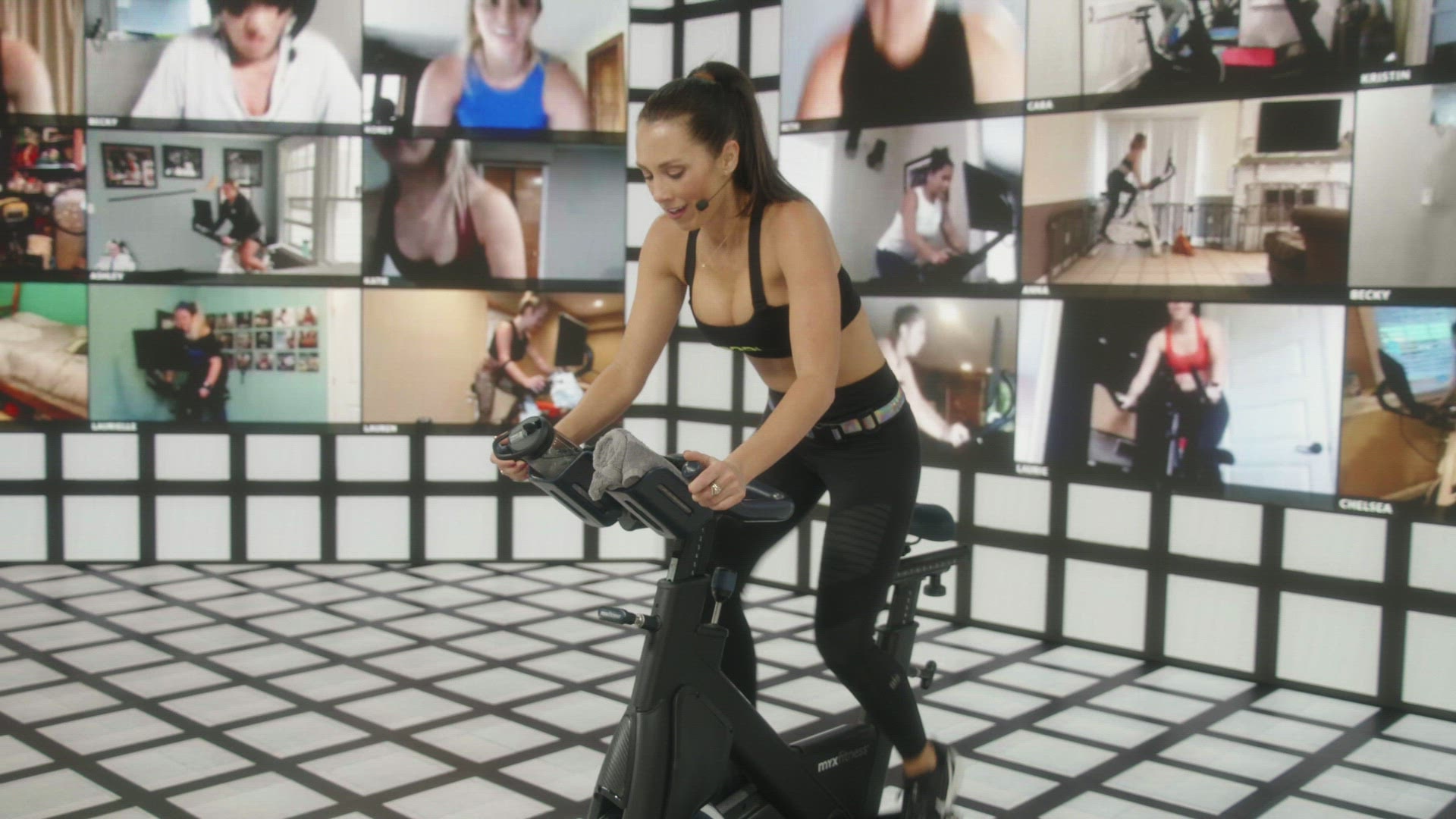
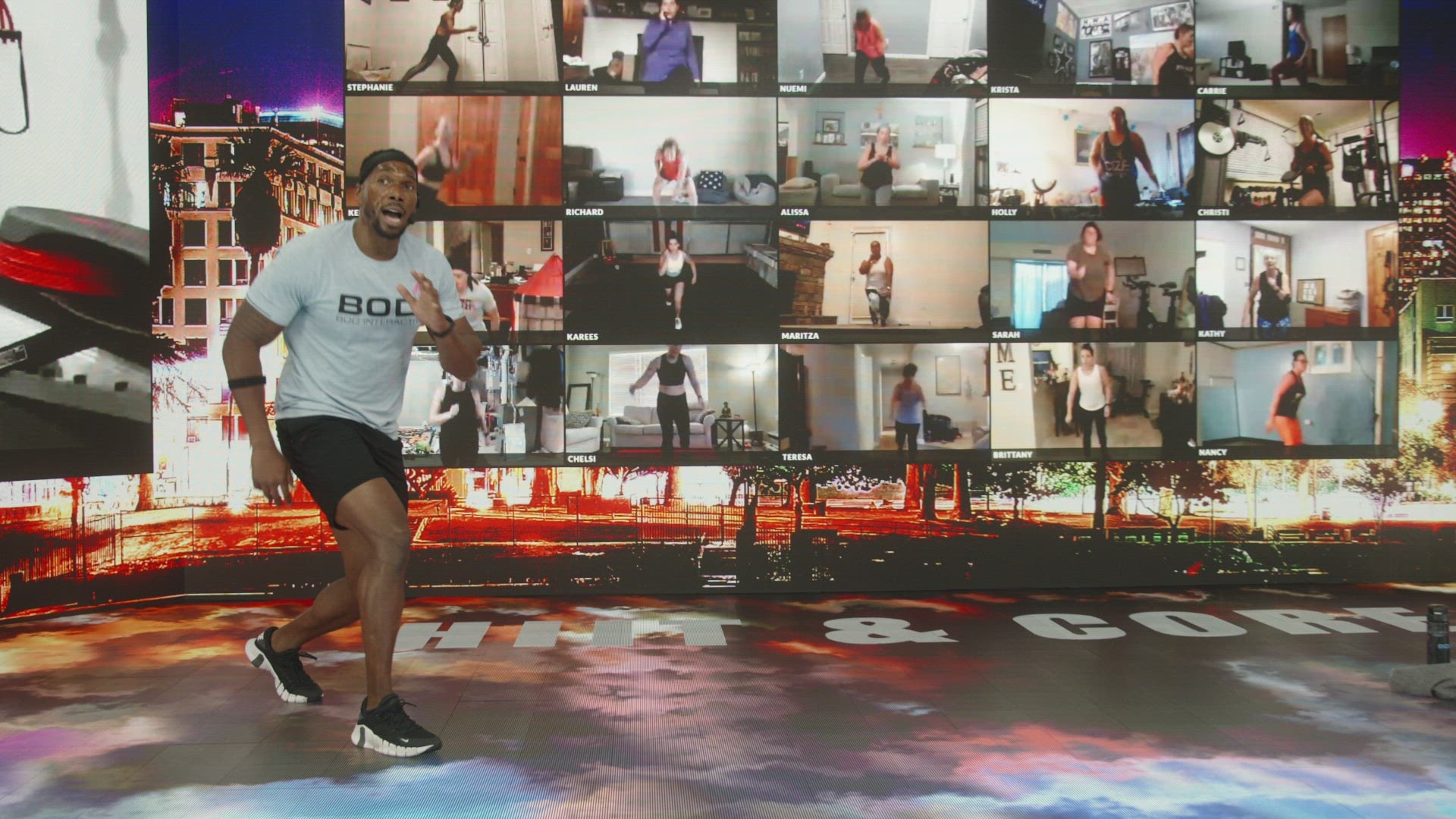
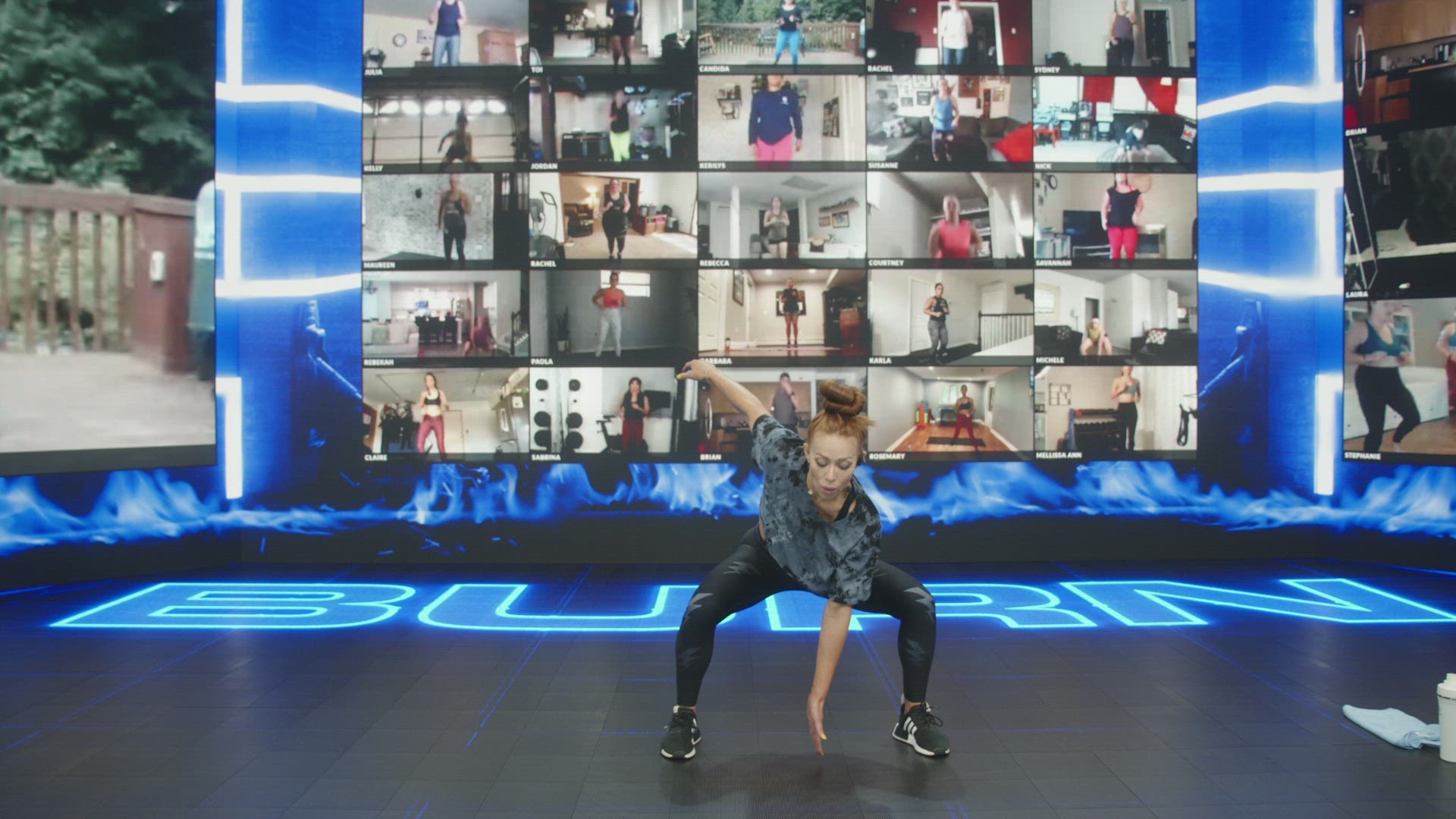
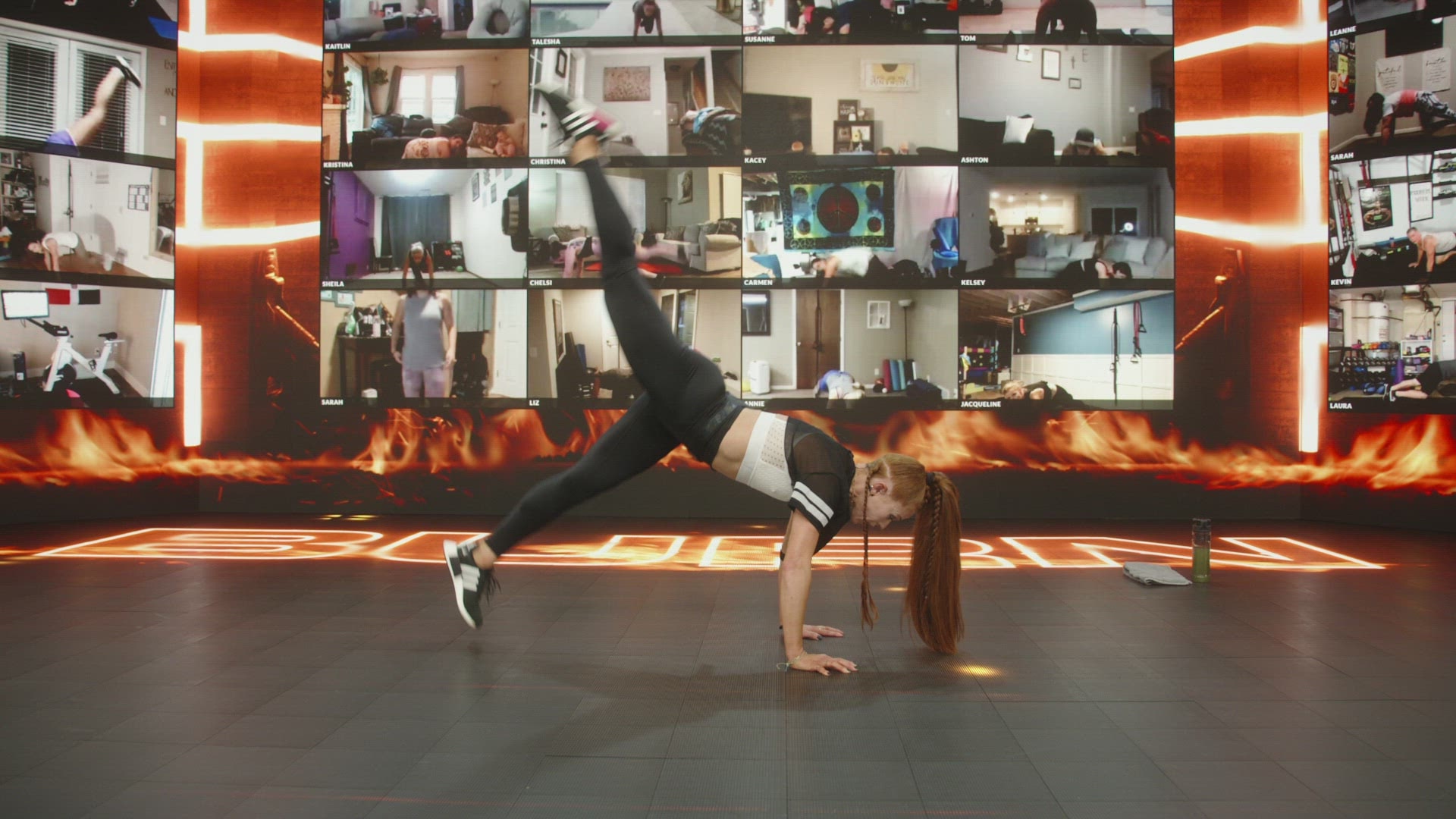
BeachBody On Demand Interactive is a state-of-the-art streaming platform that turns your living room into the world\'s most exciting home gym, where you can tap into the energy and accountability of live and on-demand studio classes on your own schedule.
What is BODcast?
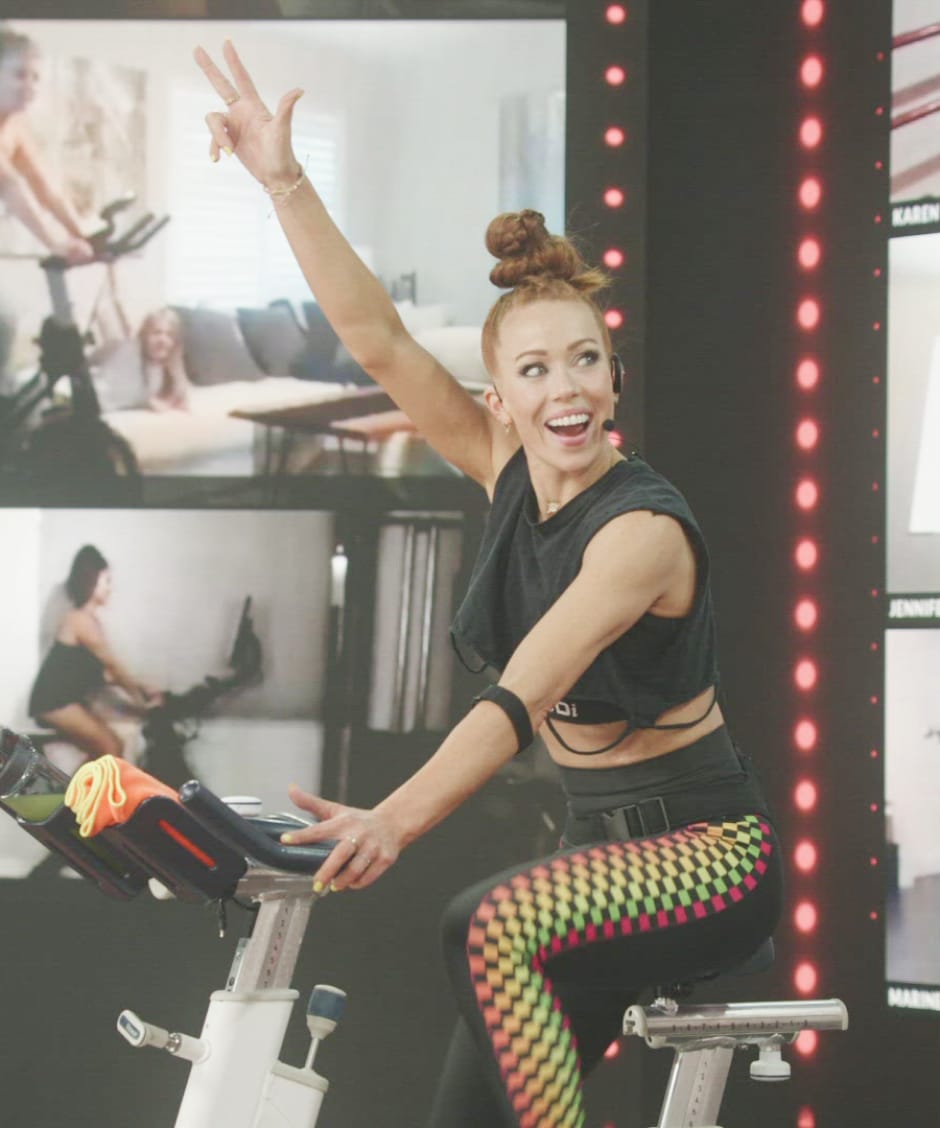
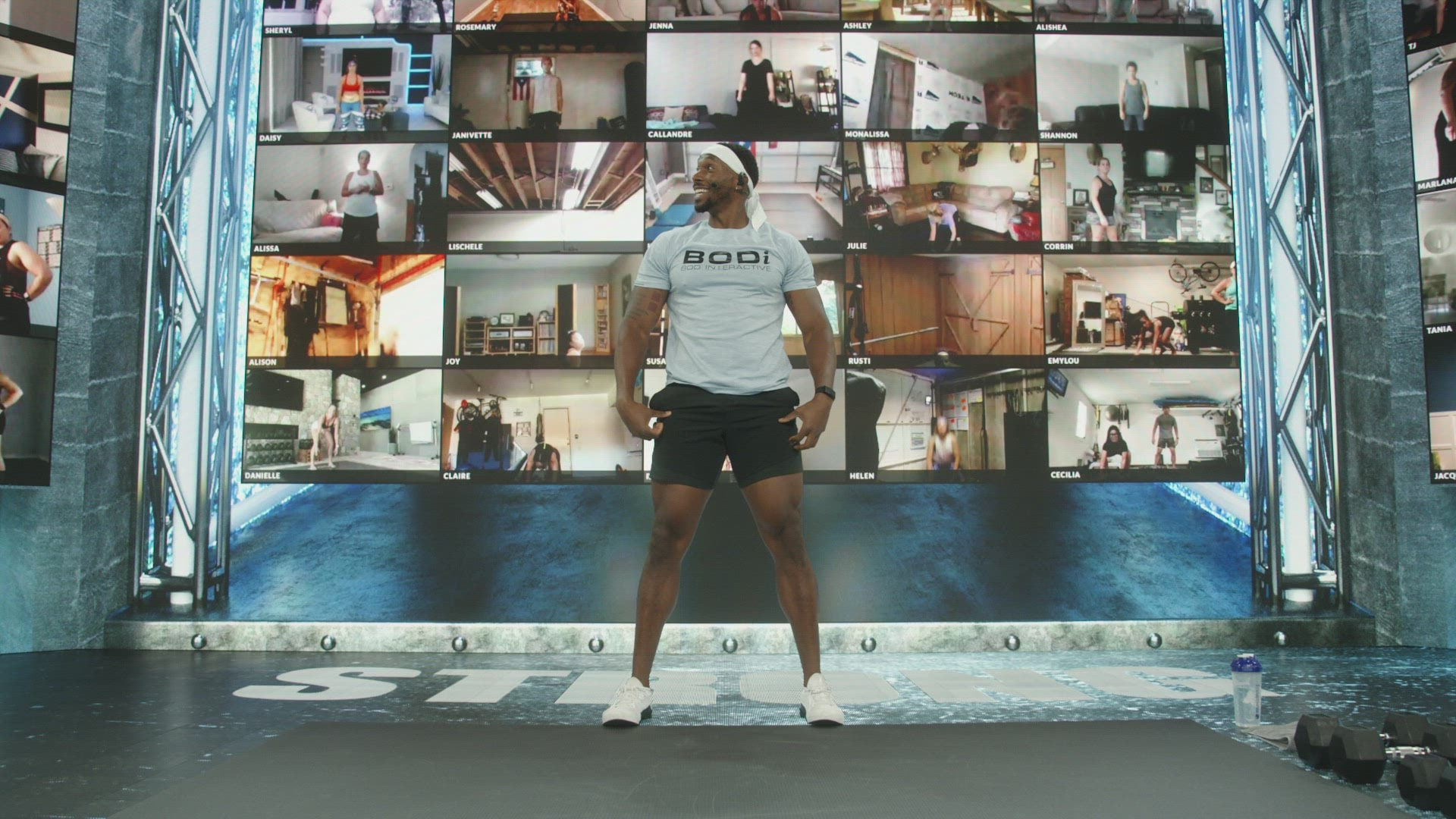
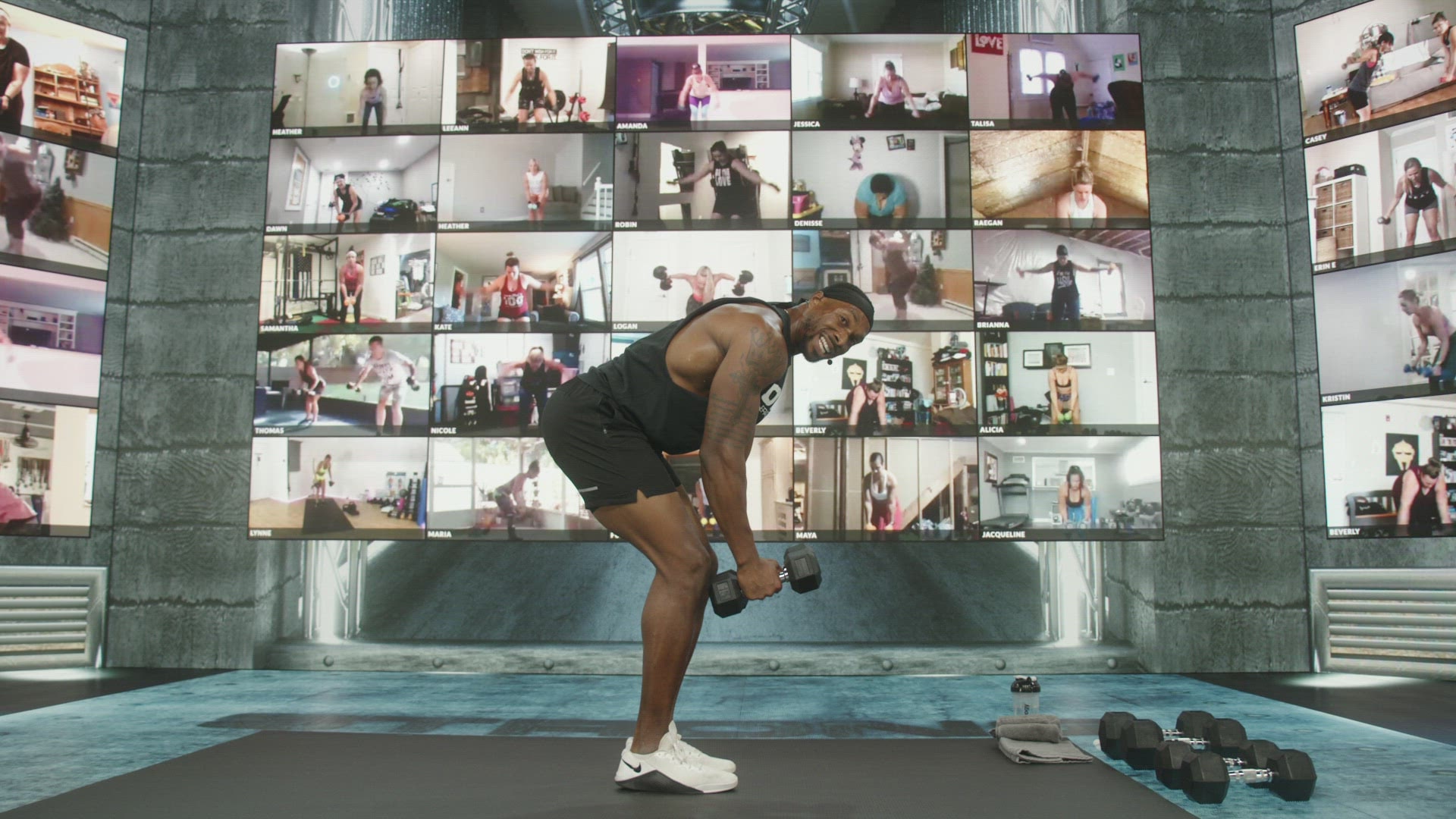
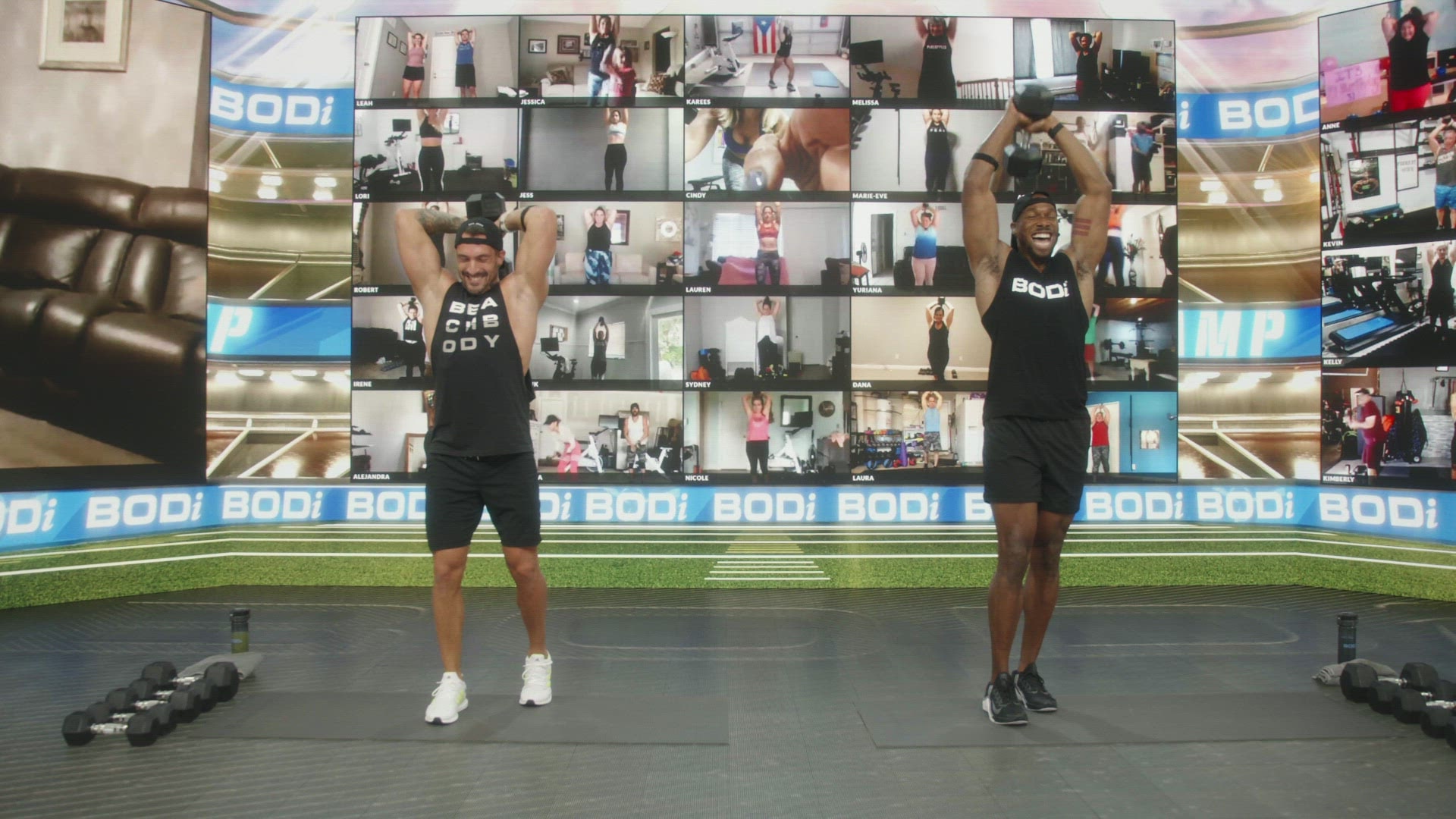
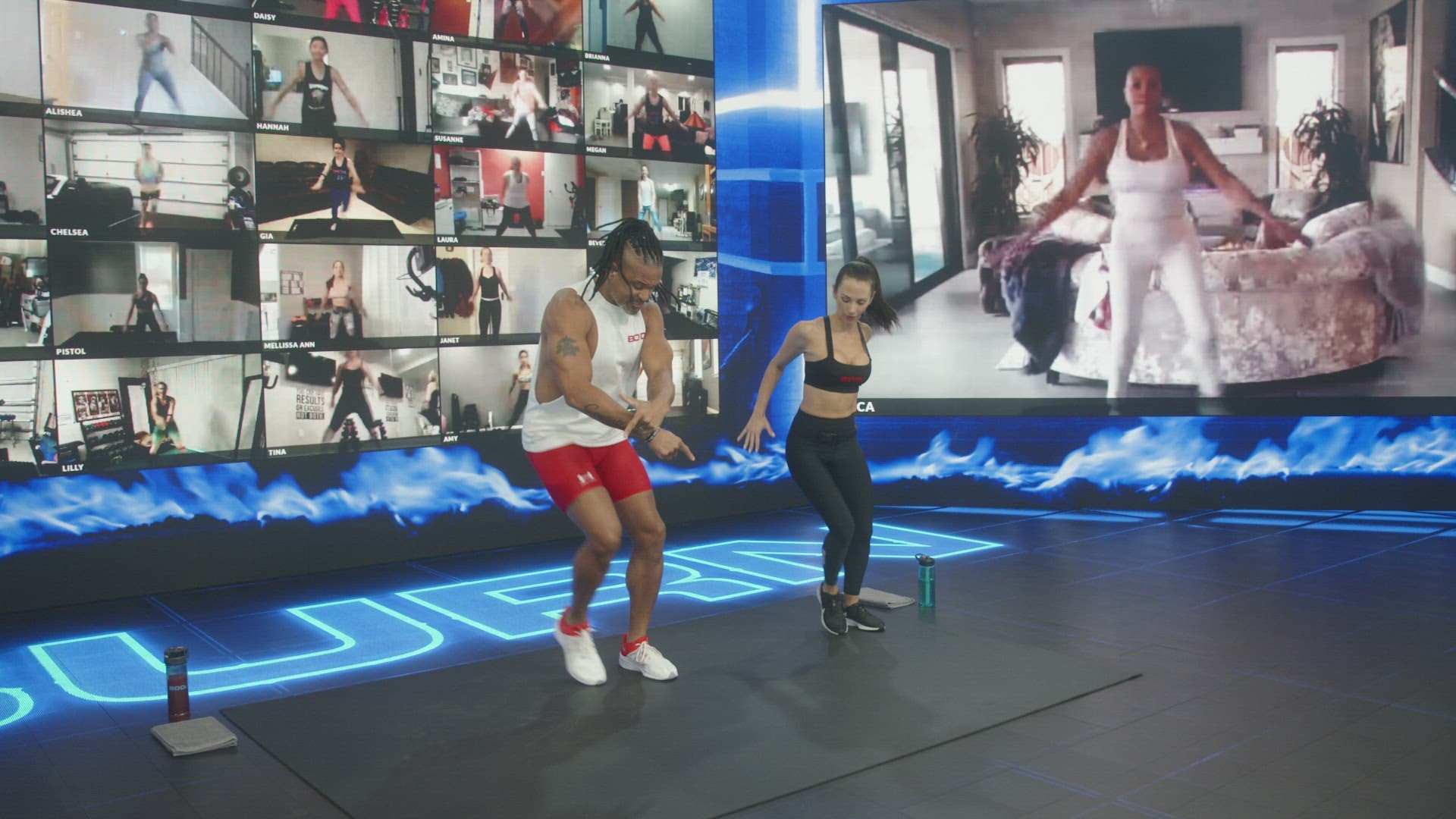
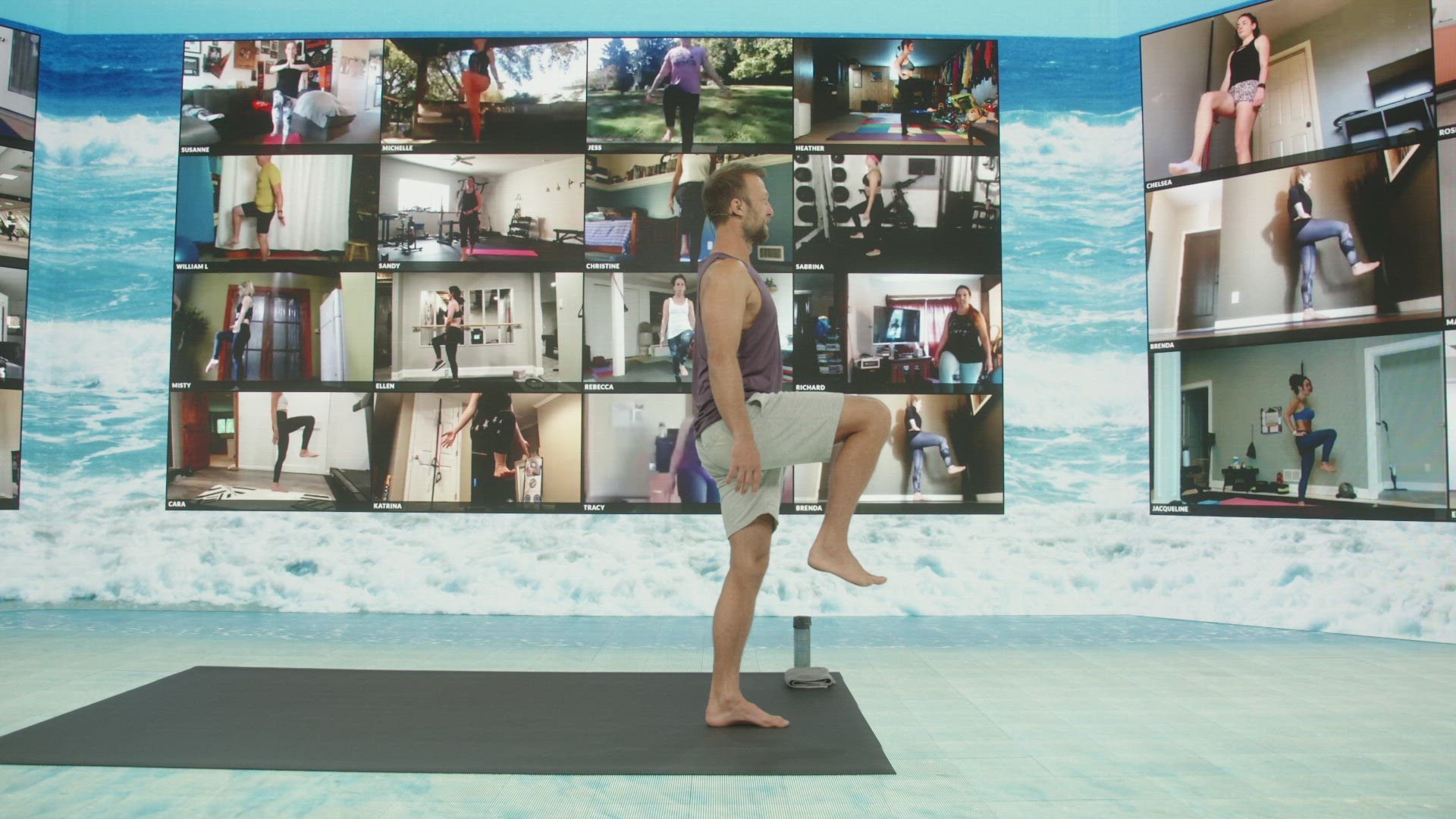
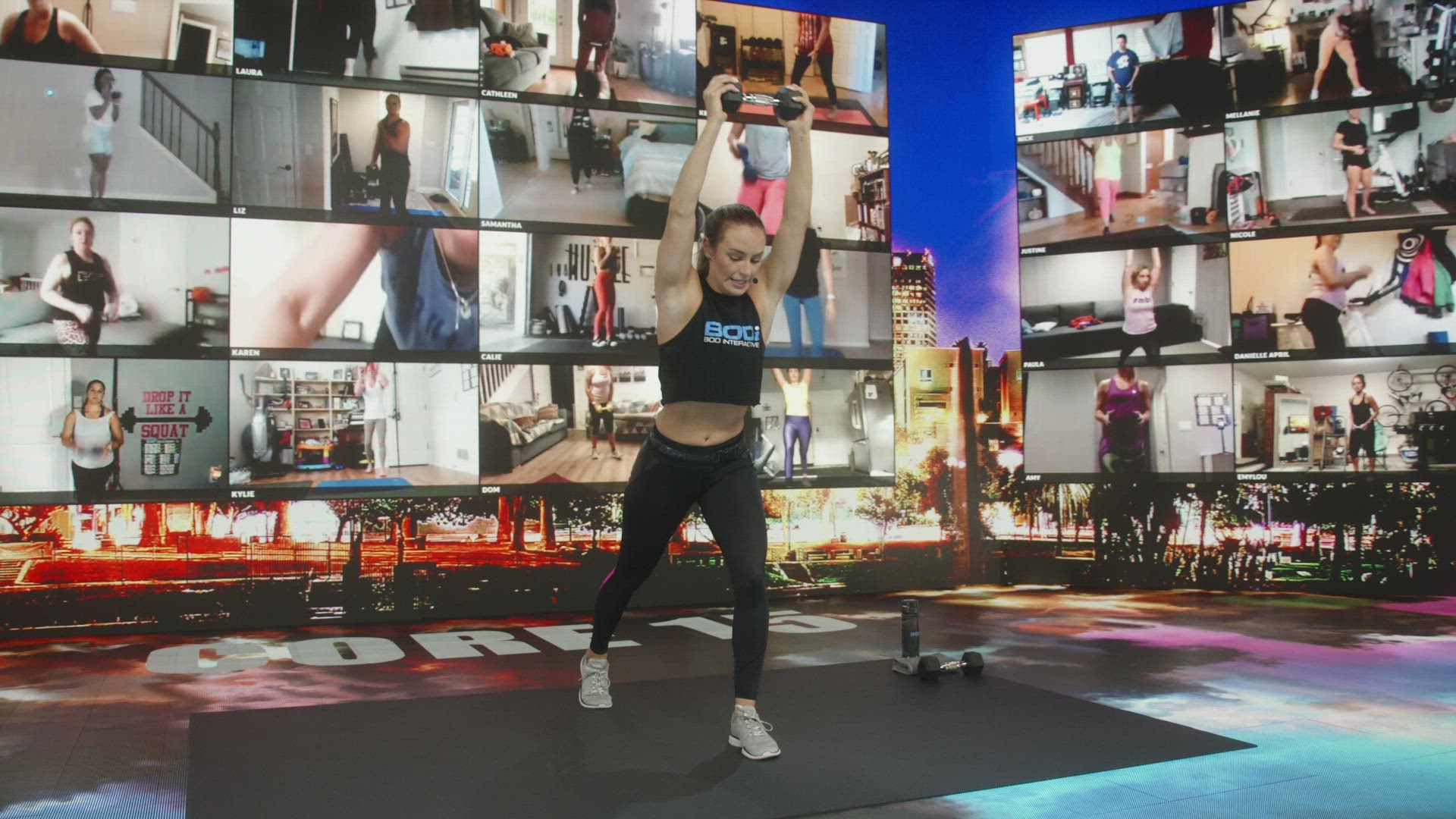
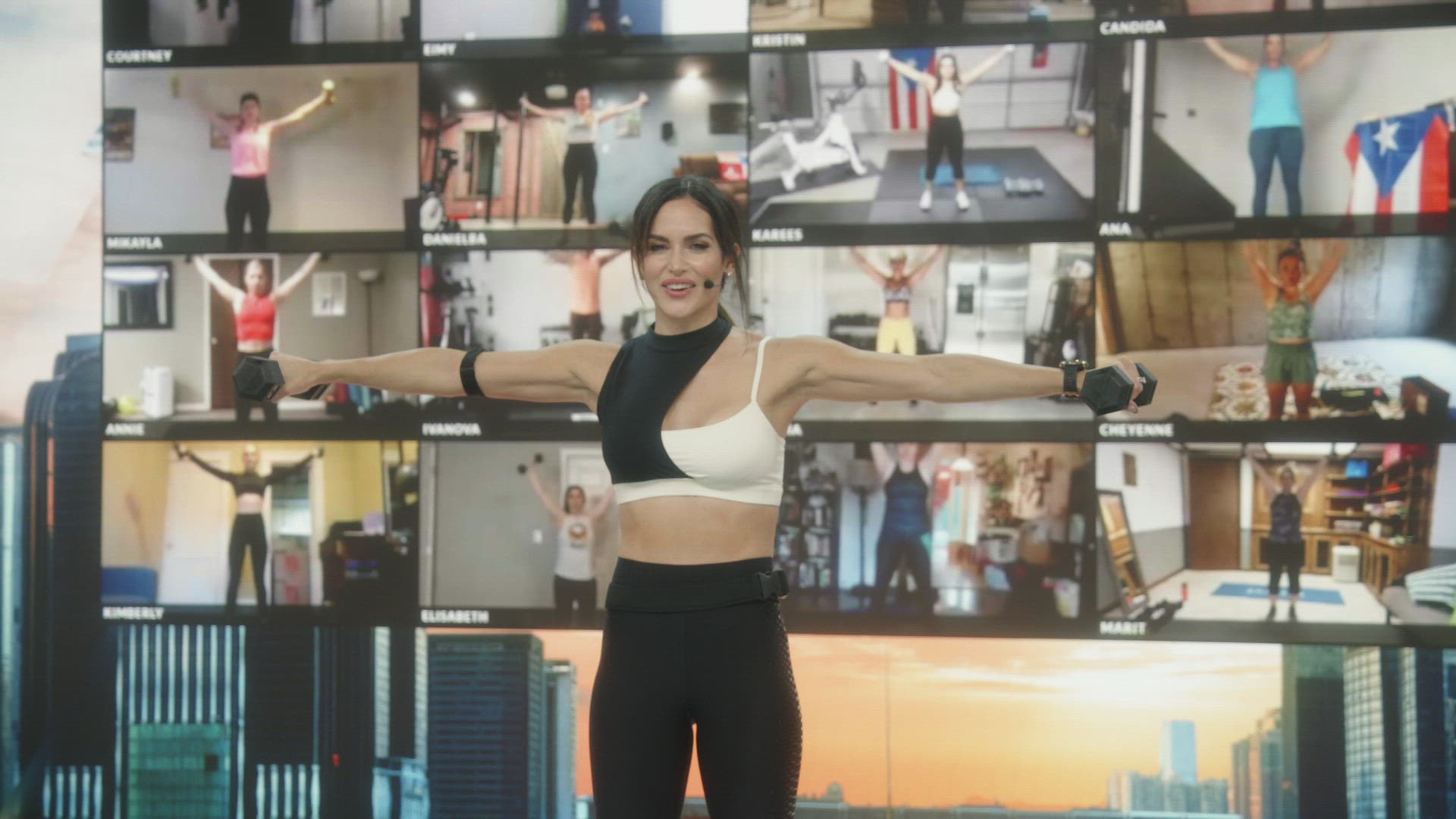
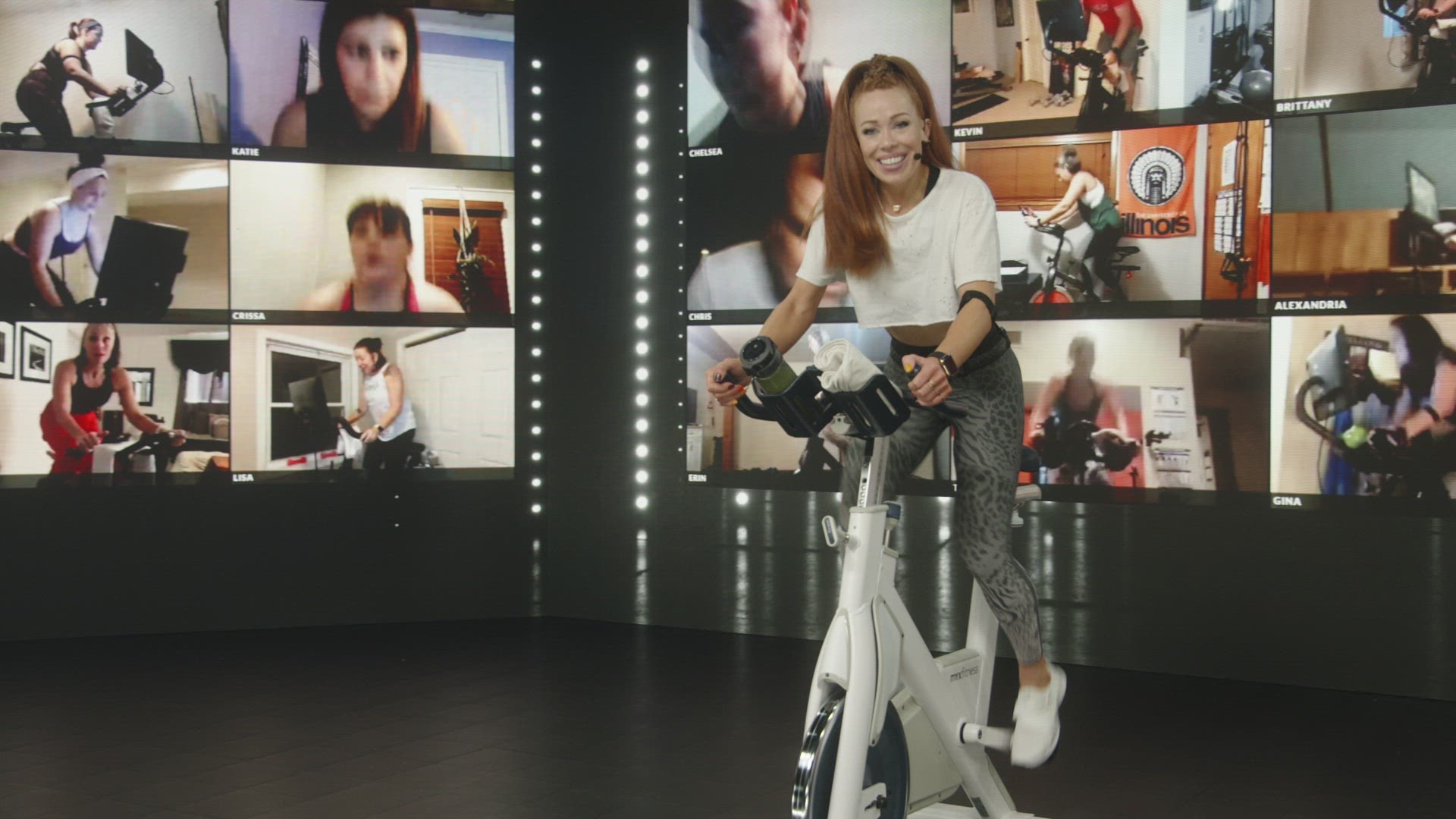
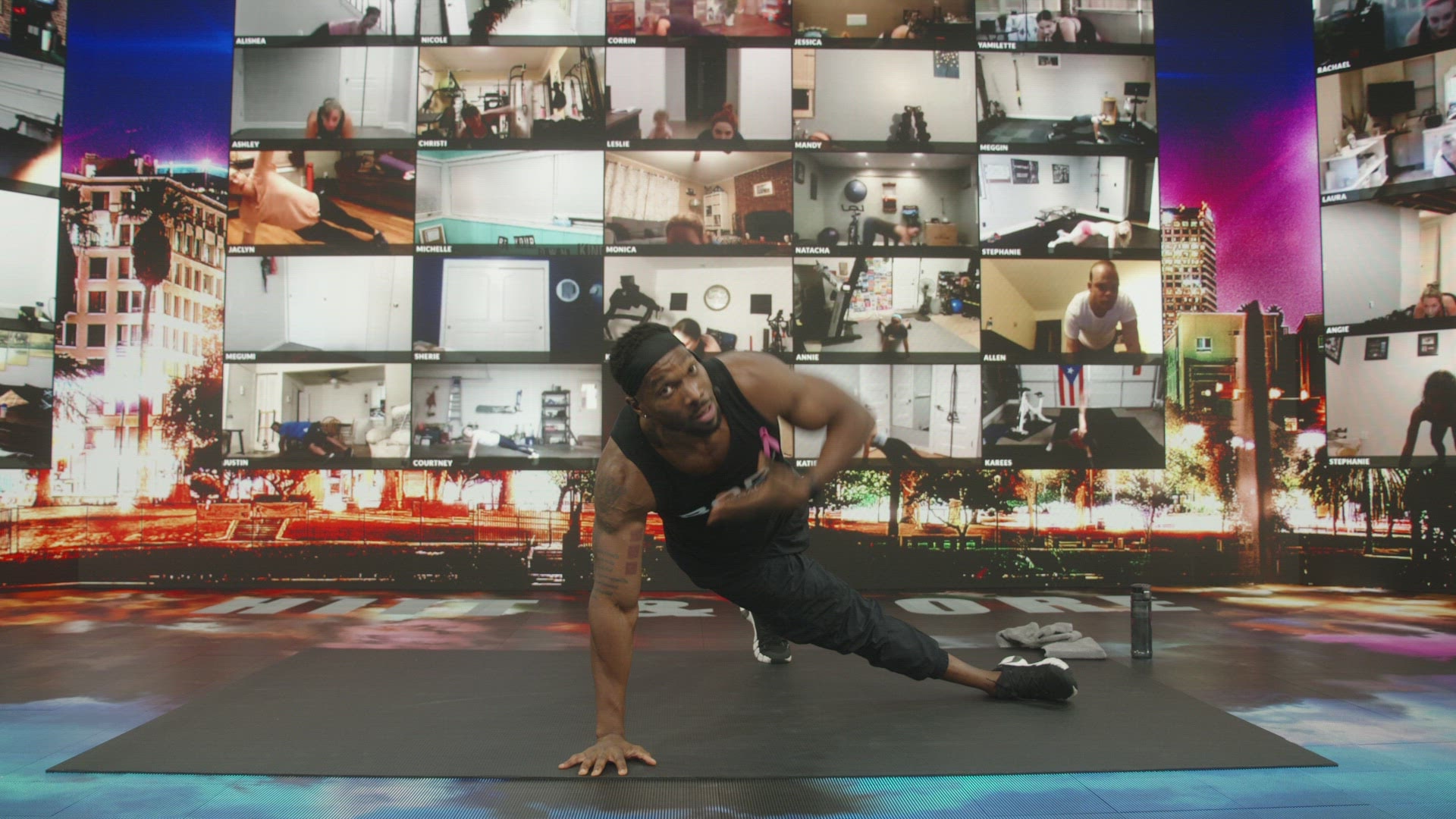
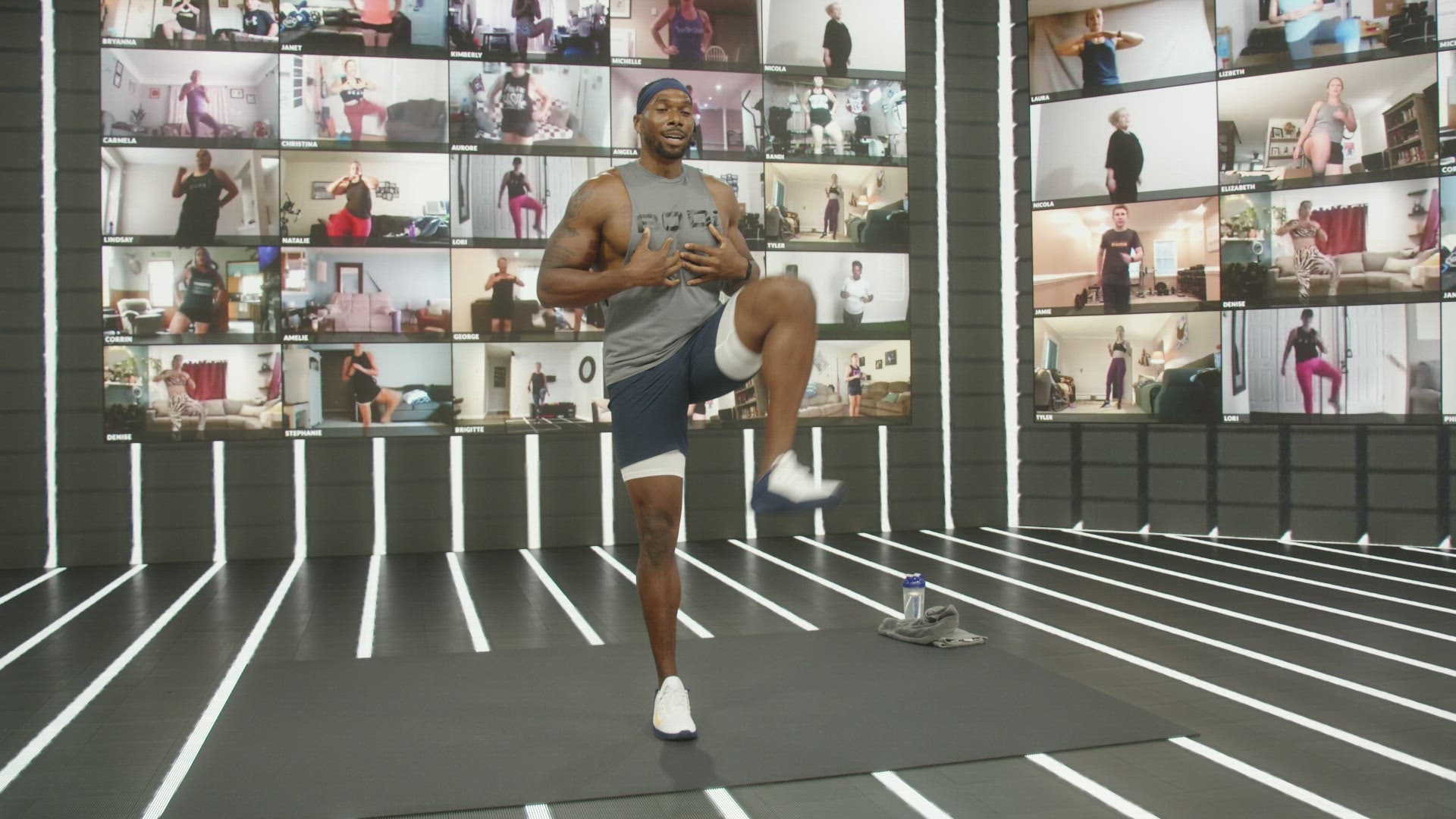
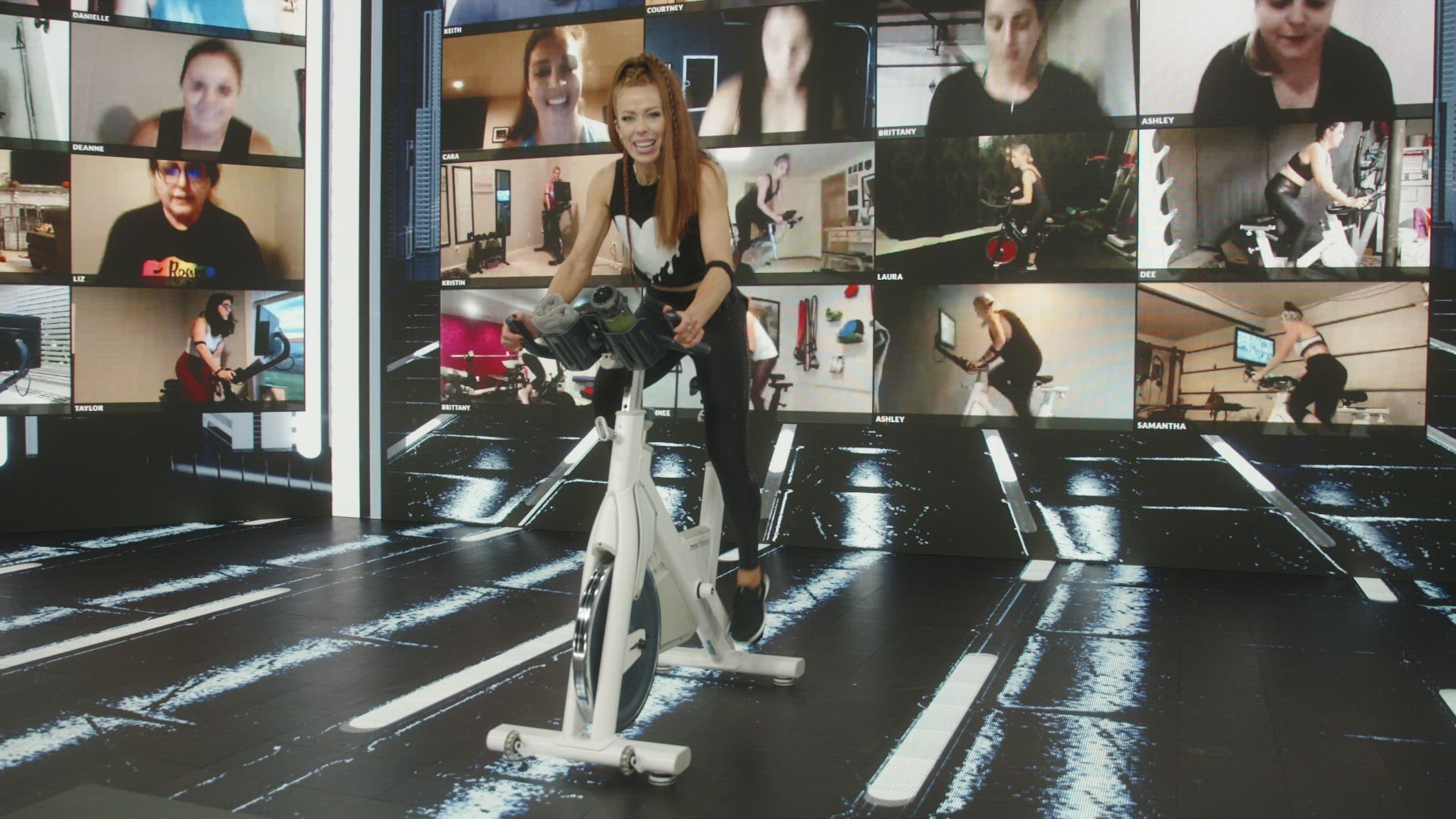
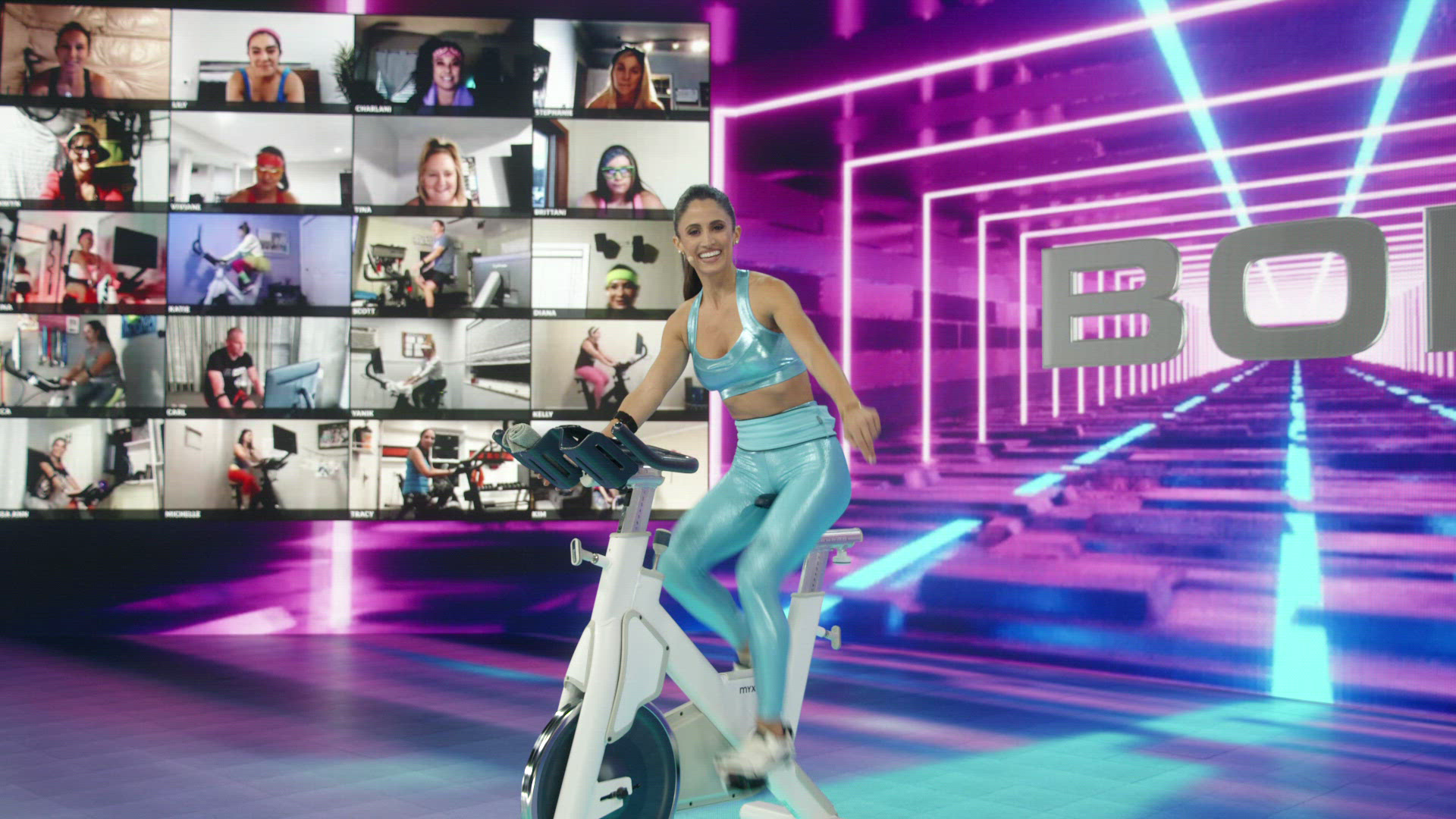
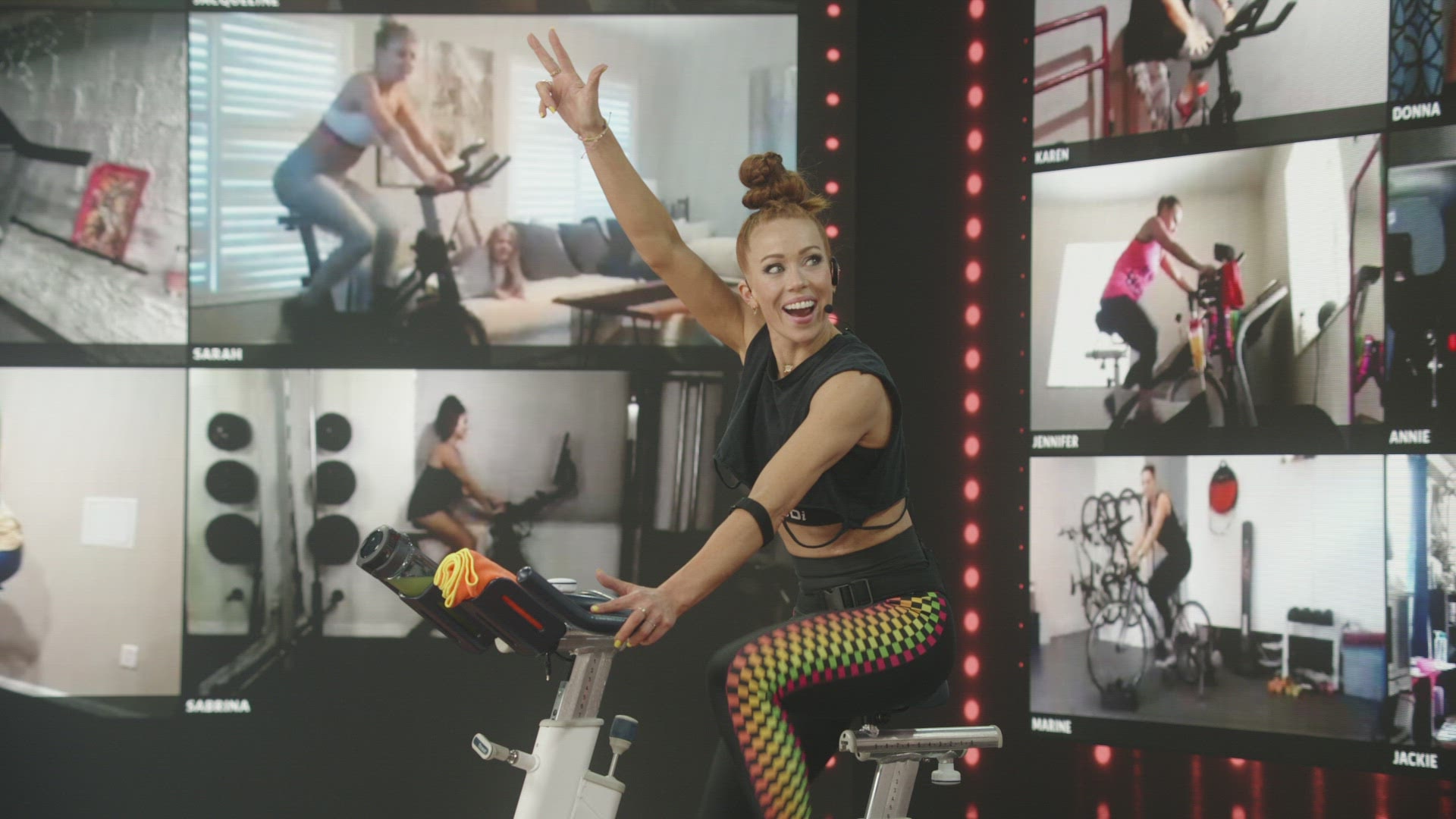
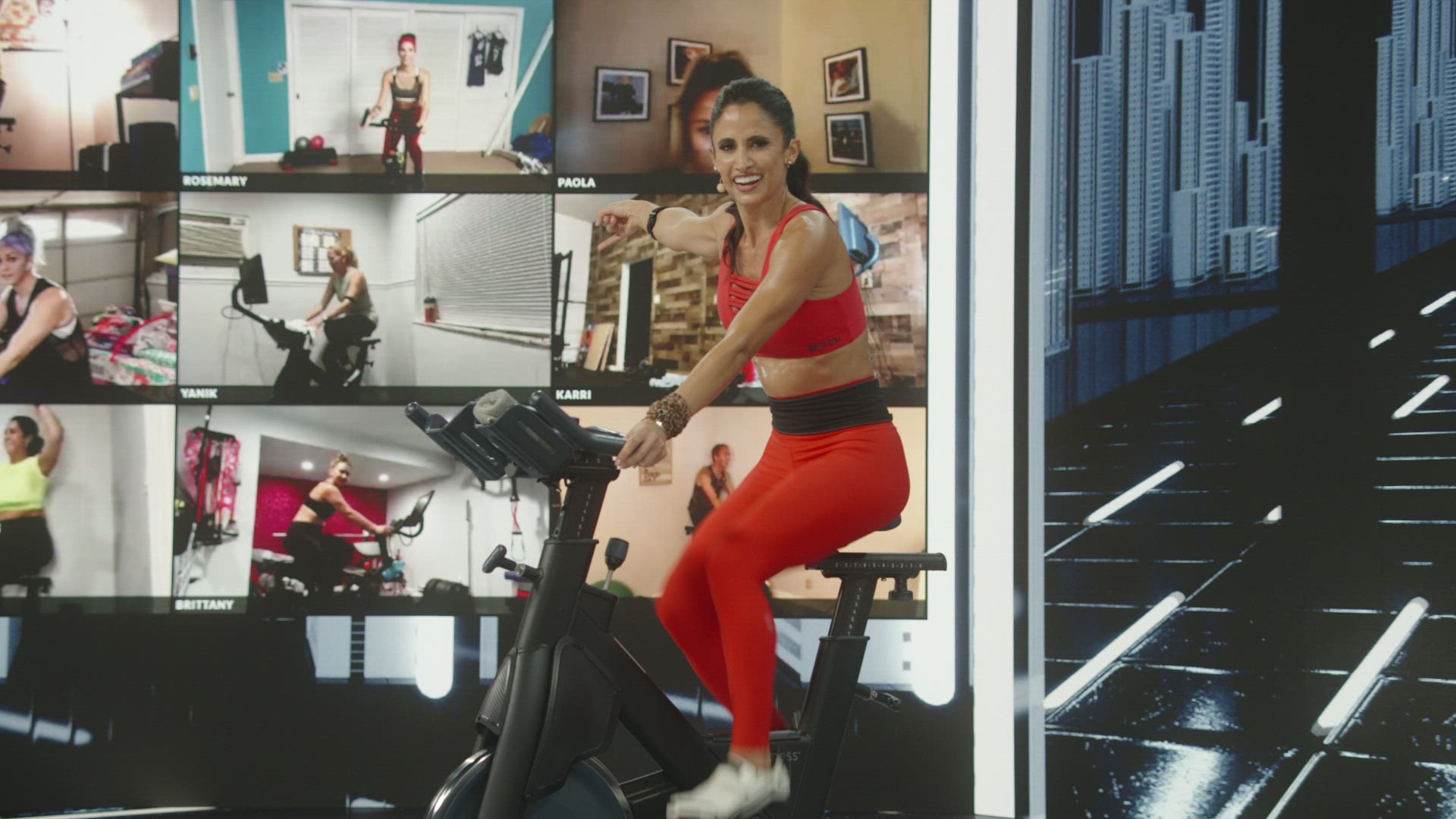
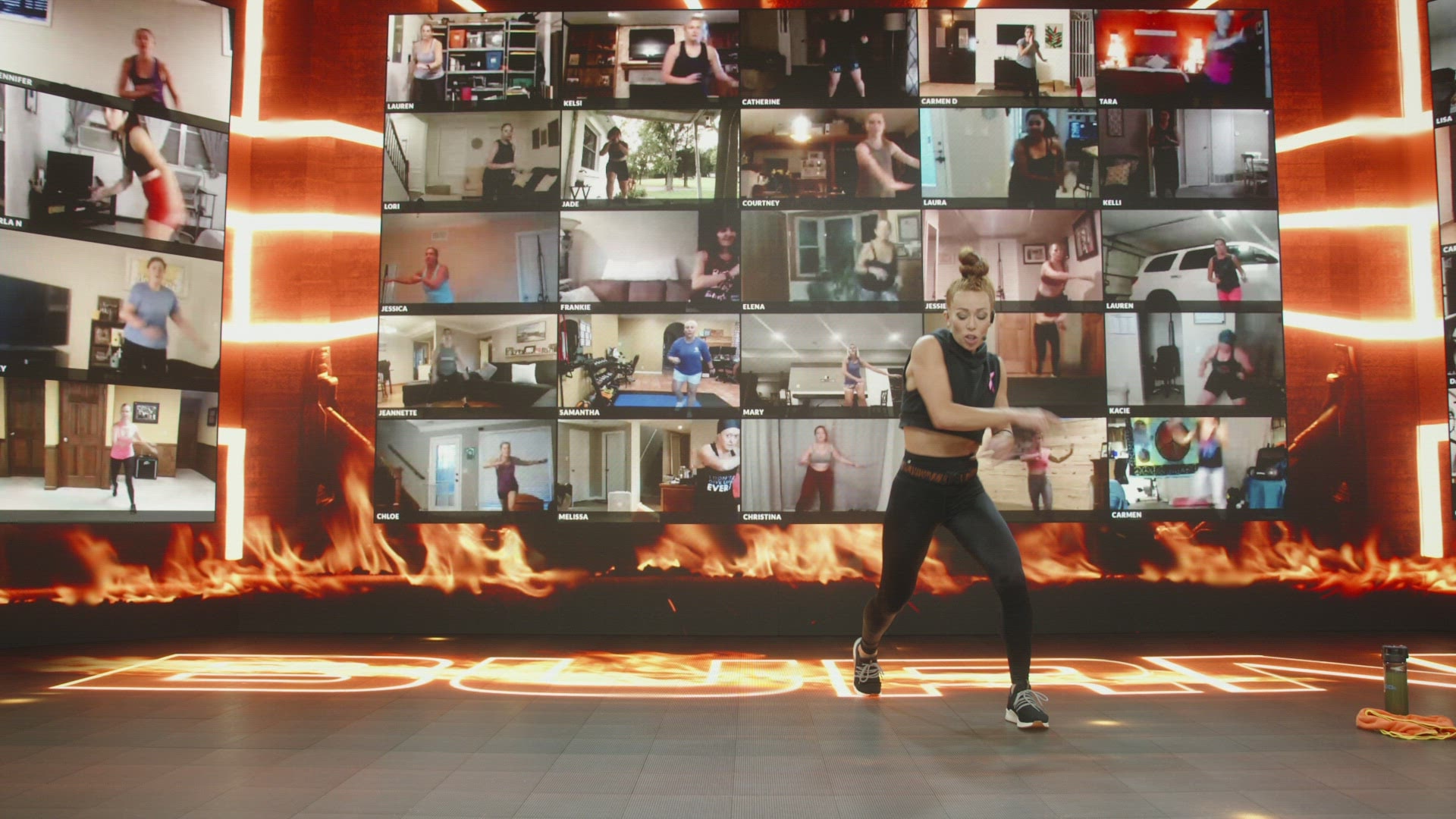
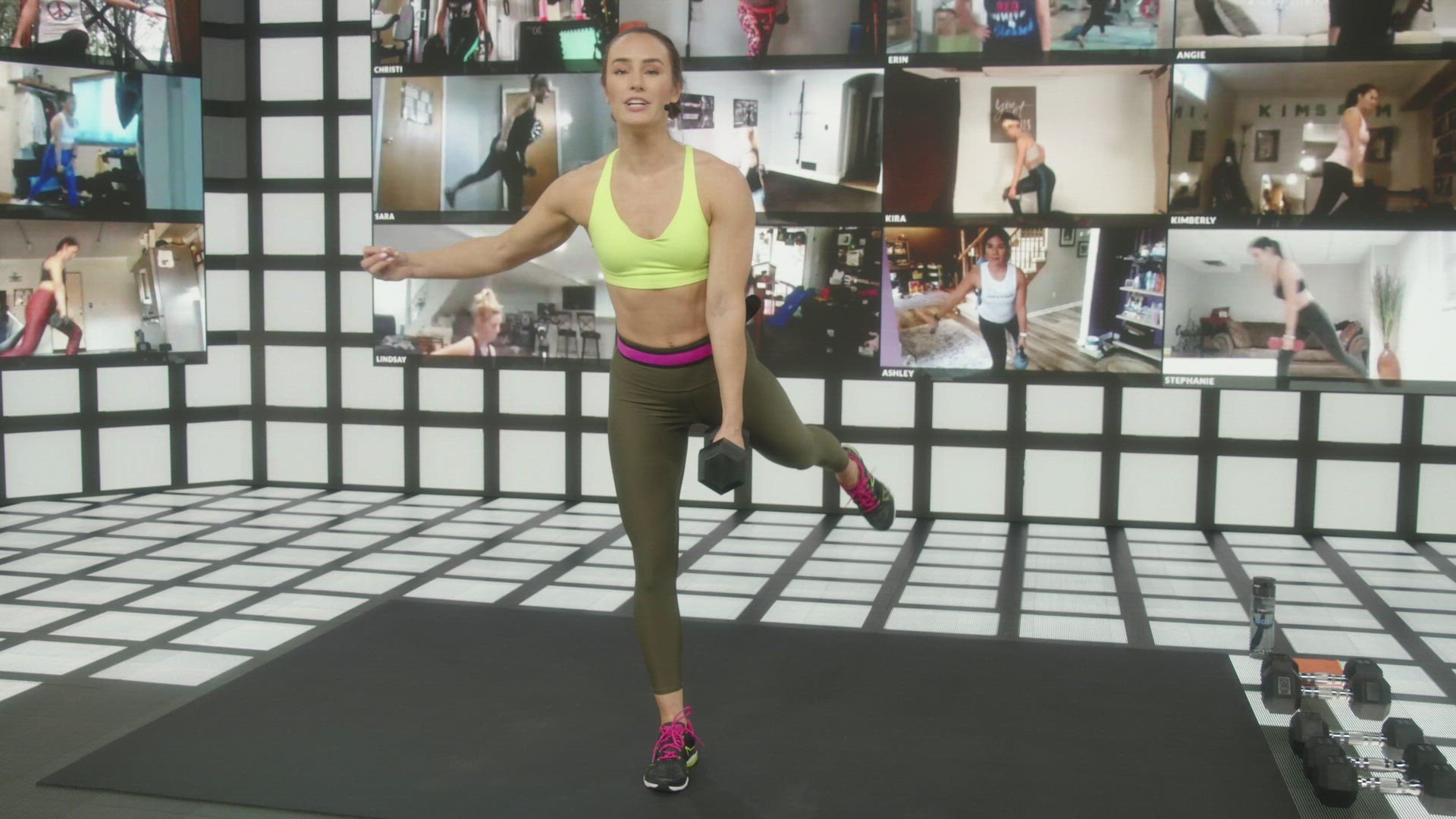
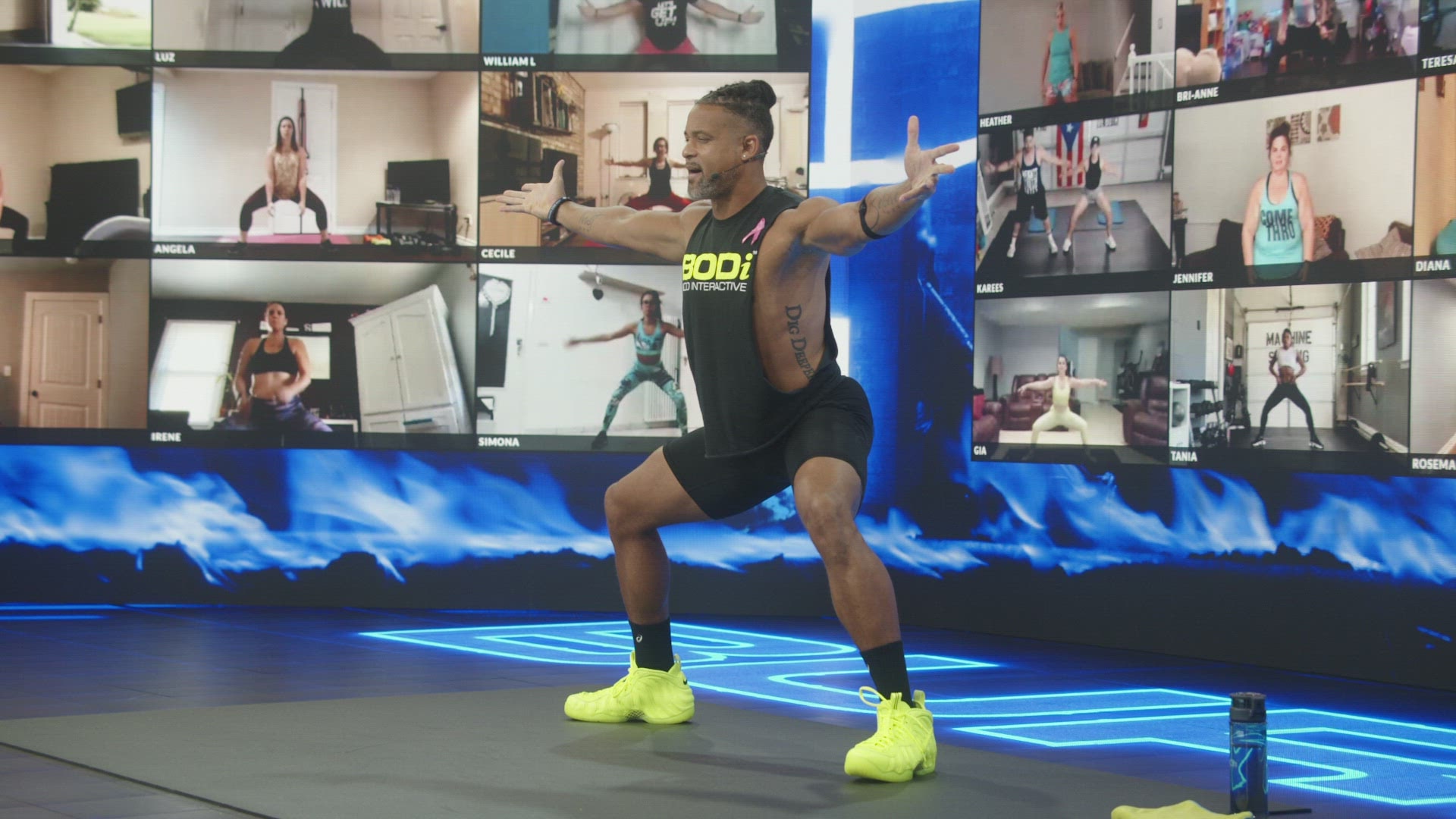
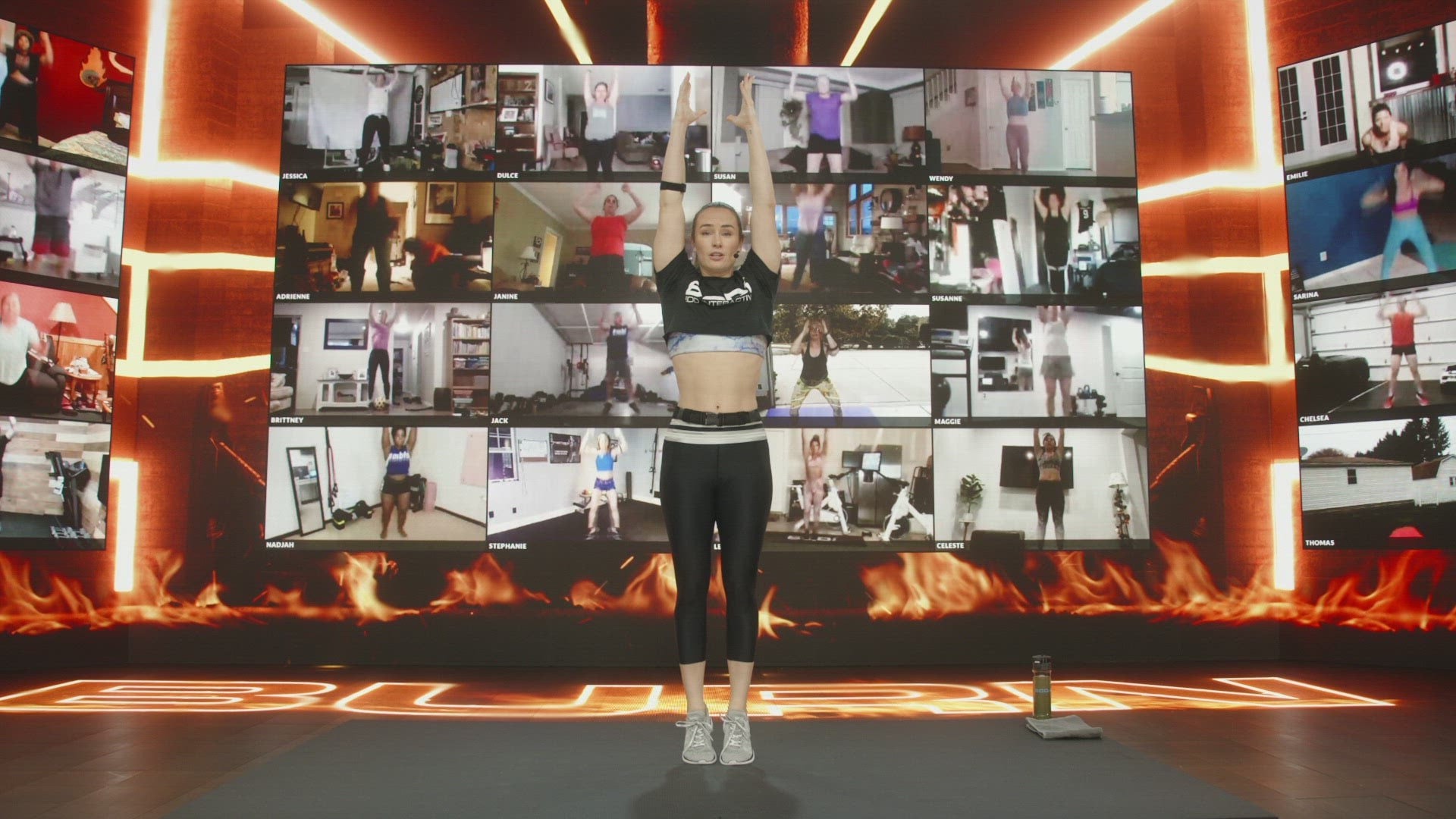
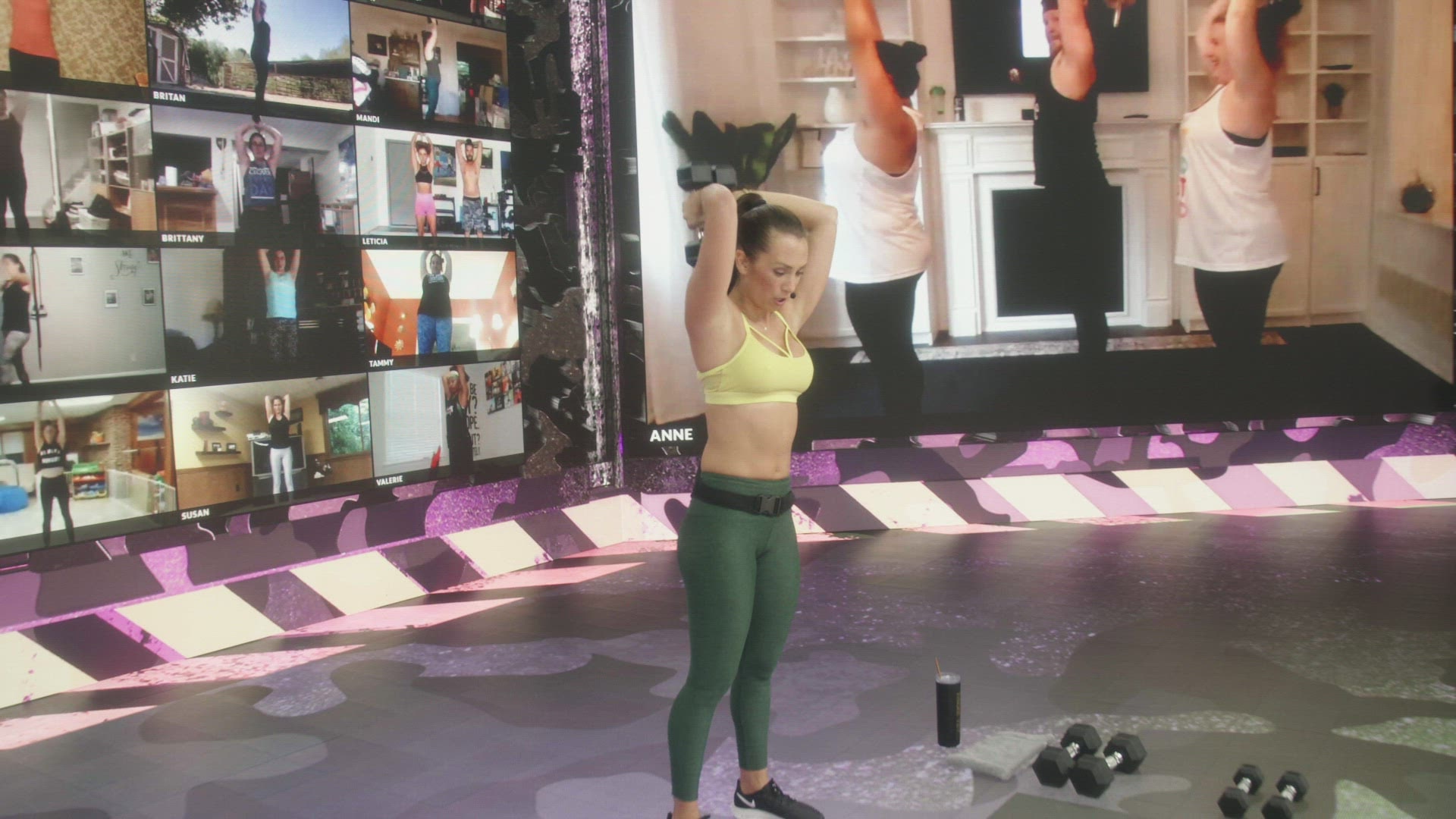
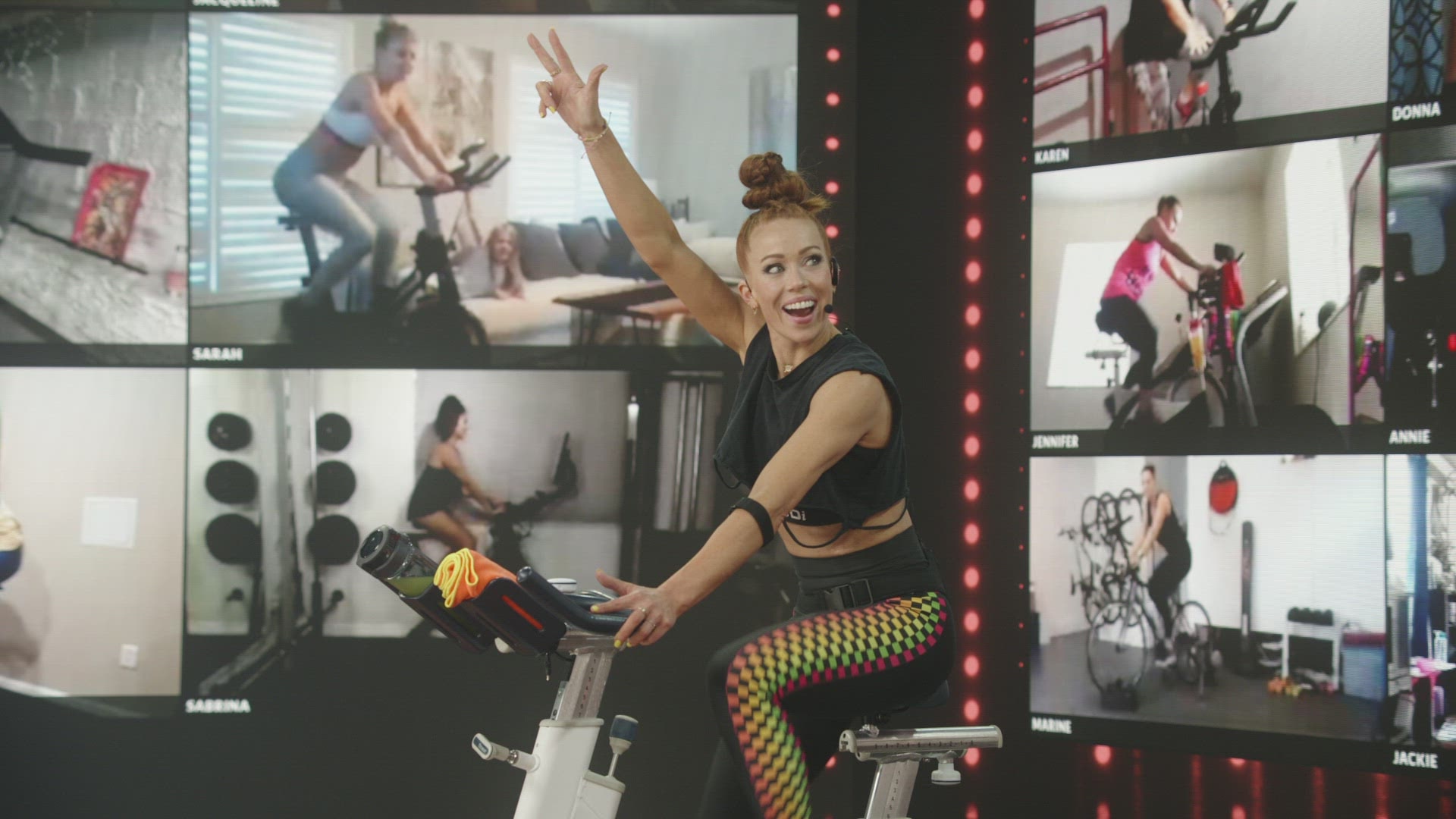
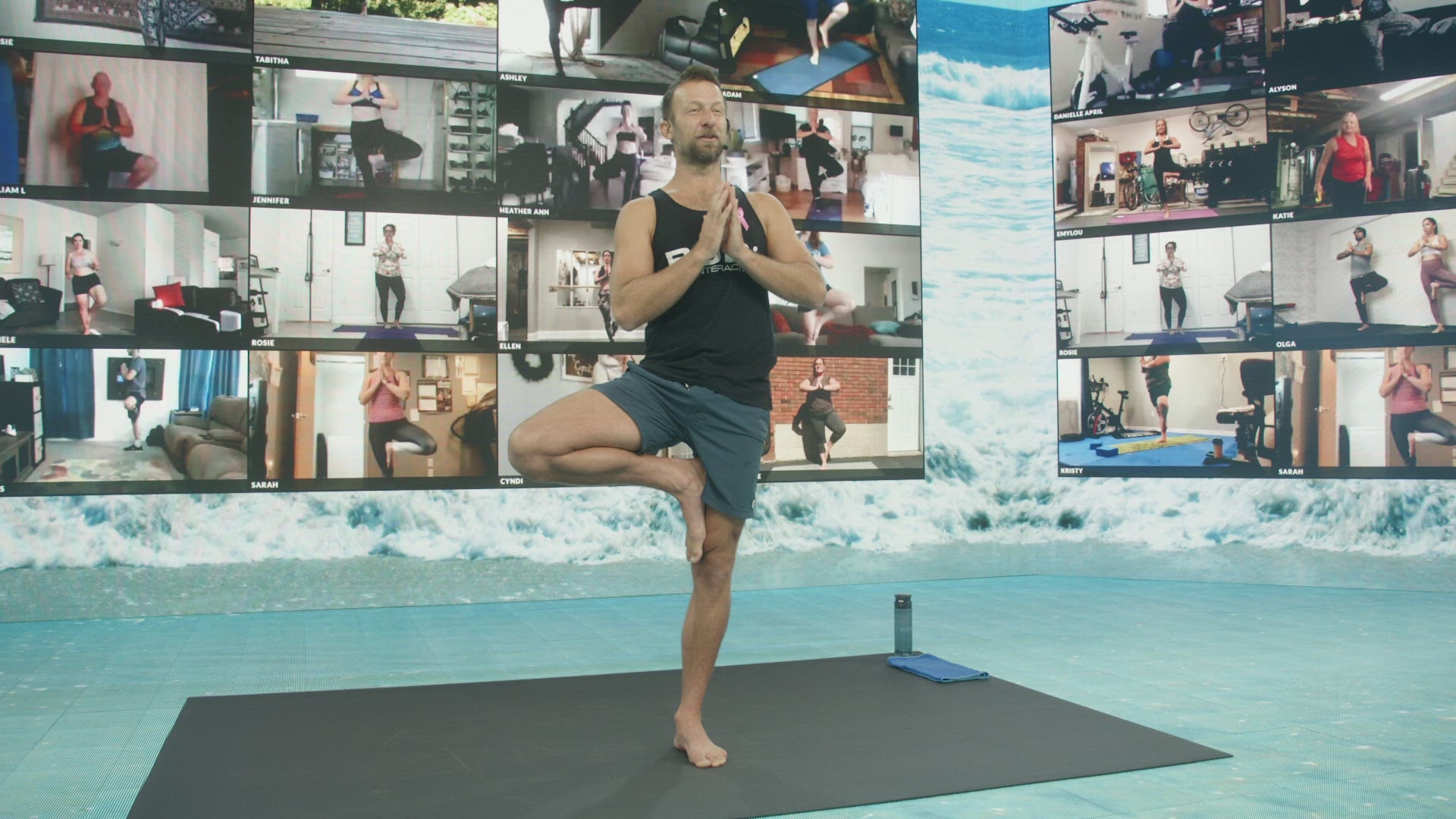
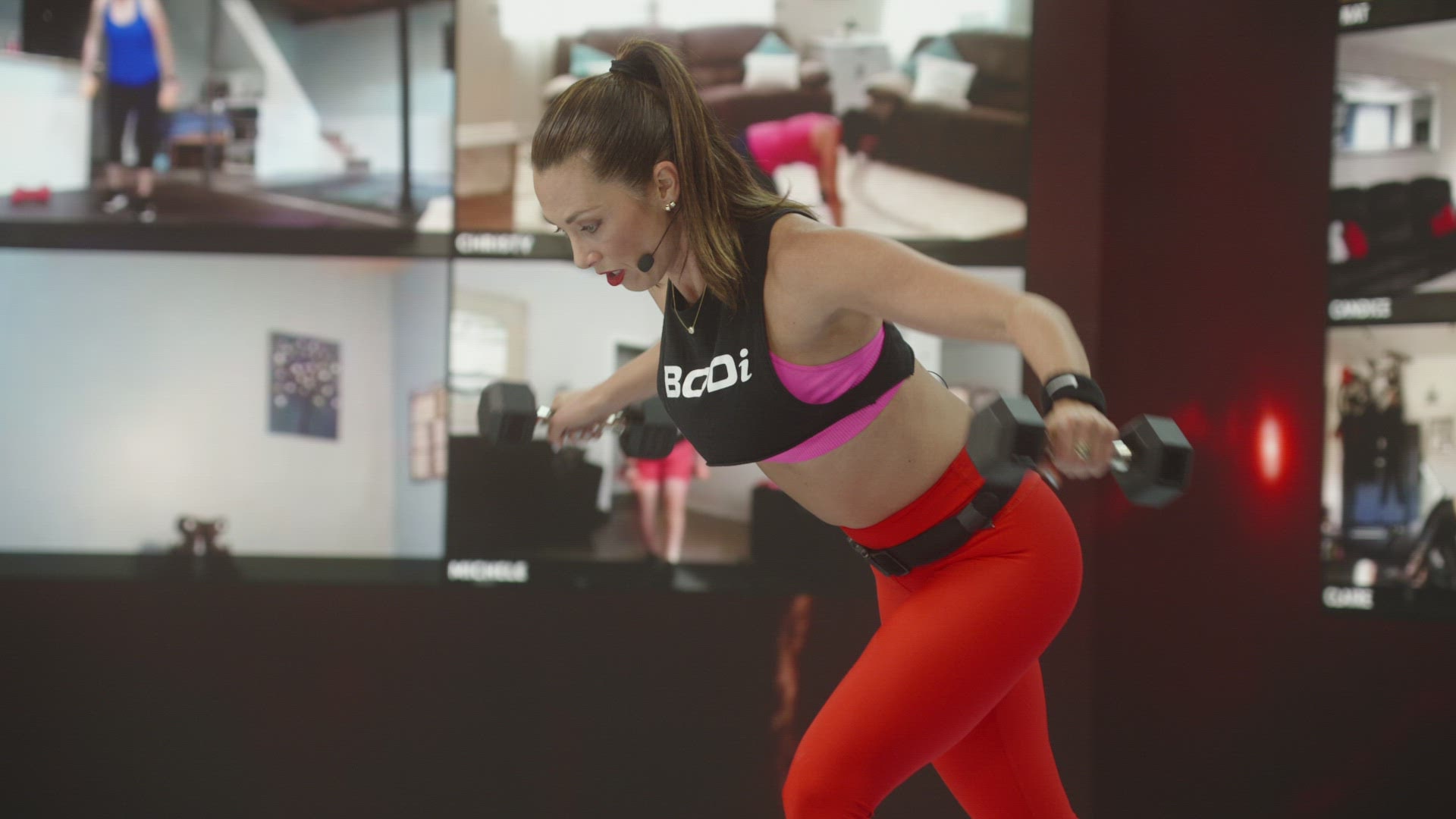
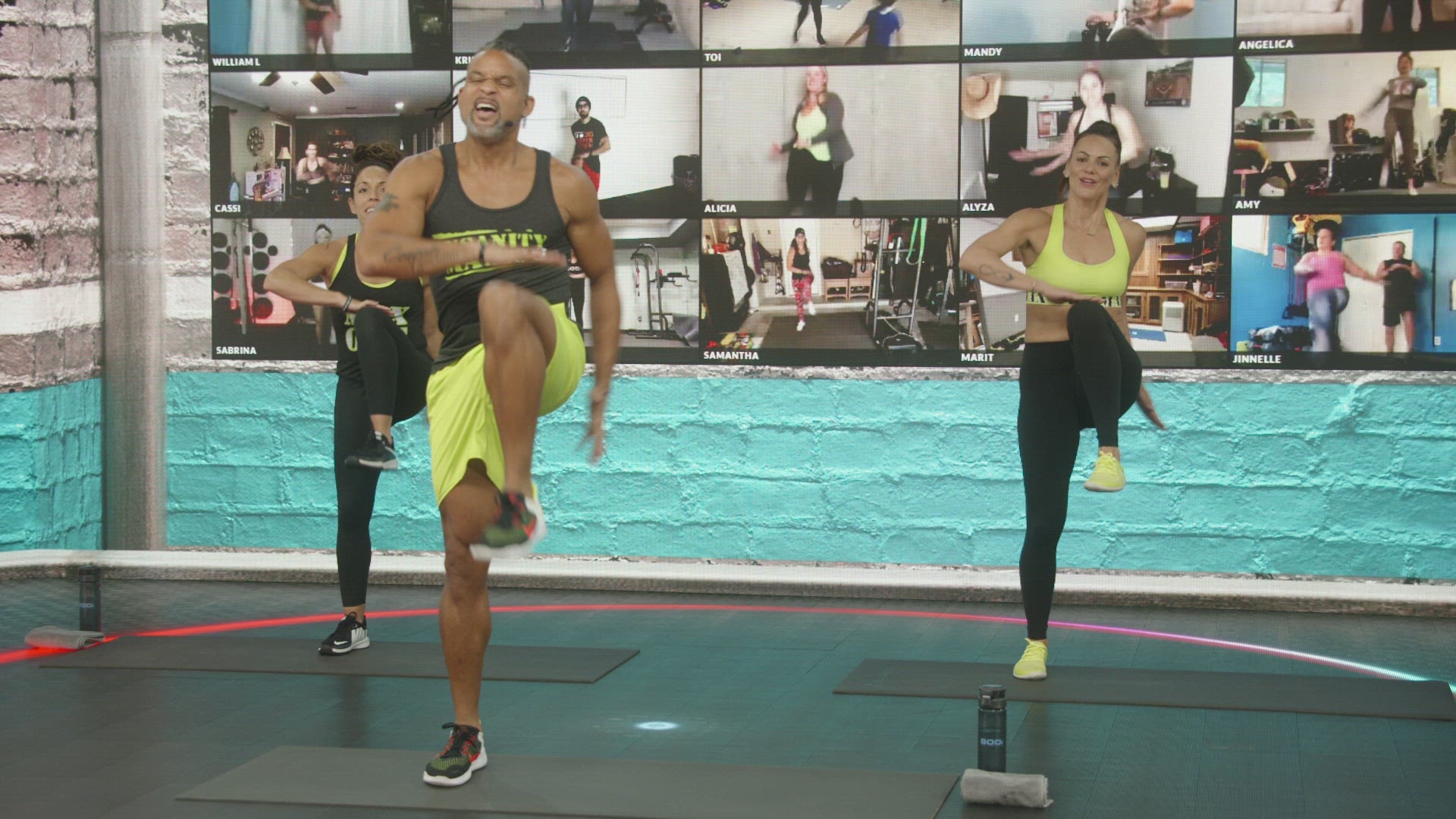
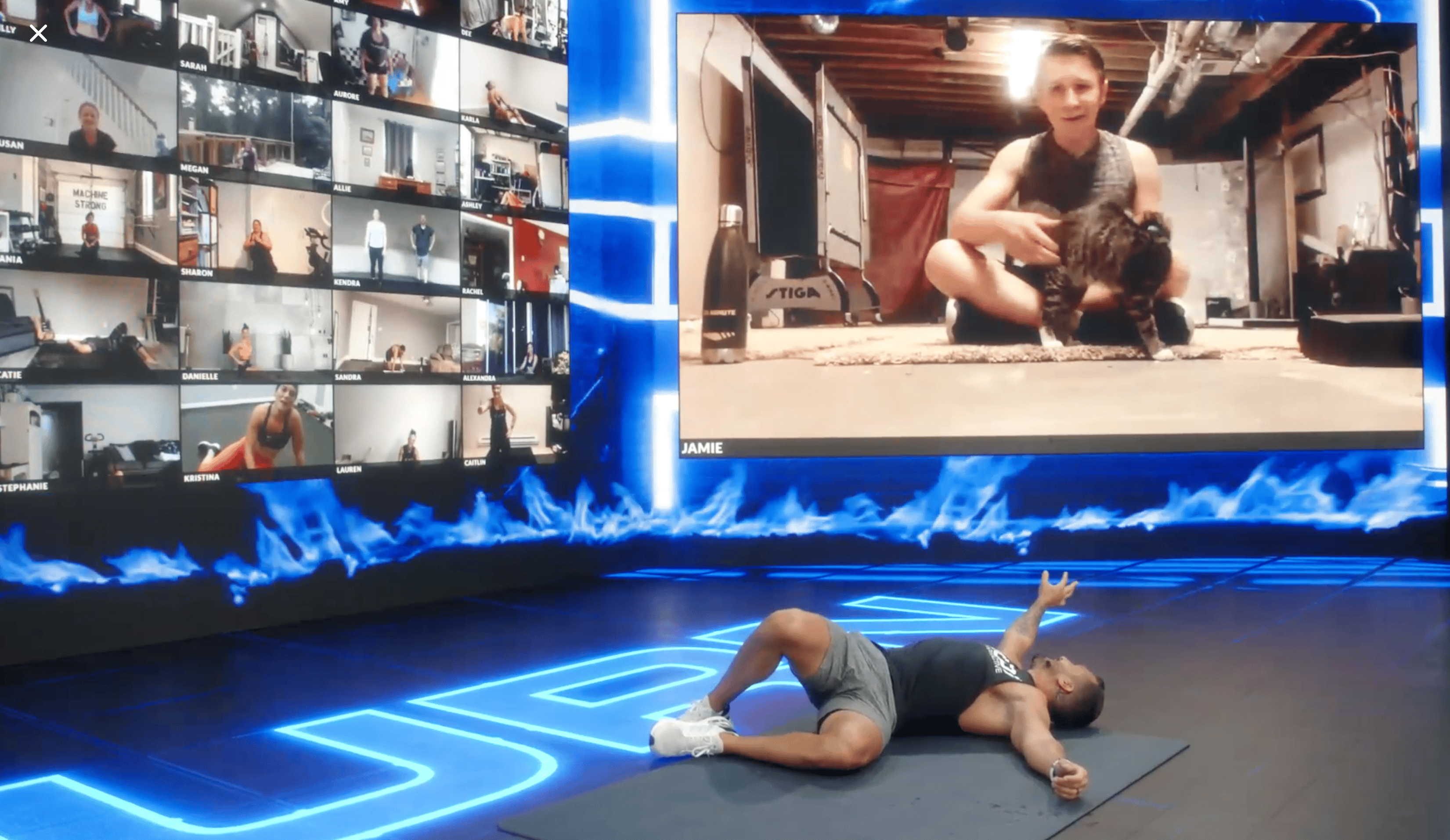
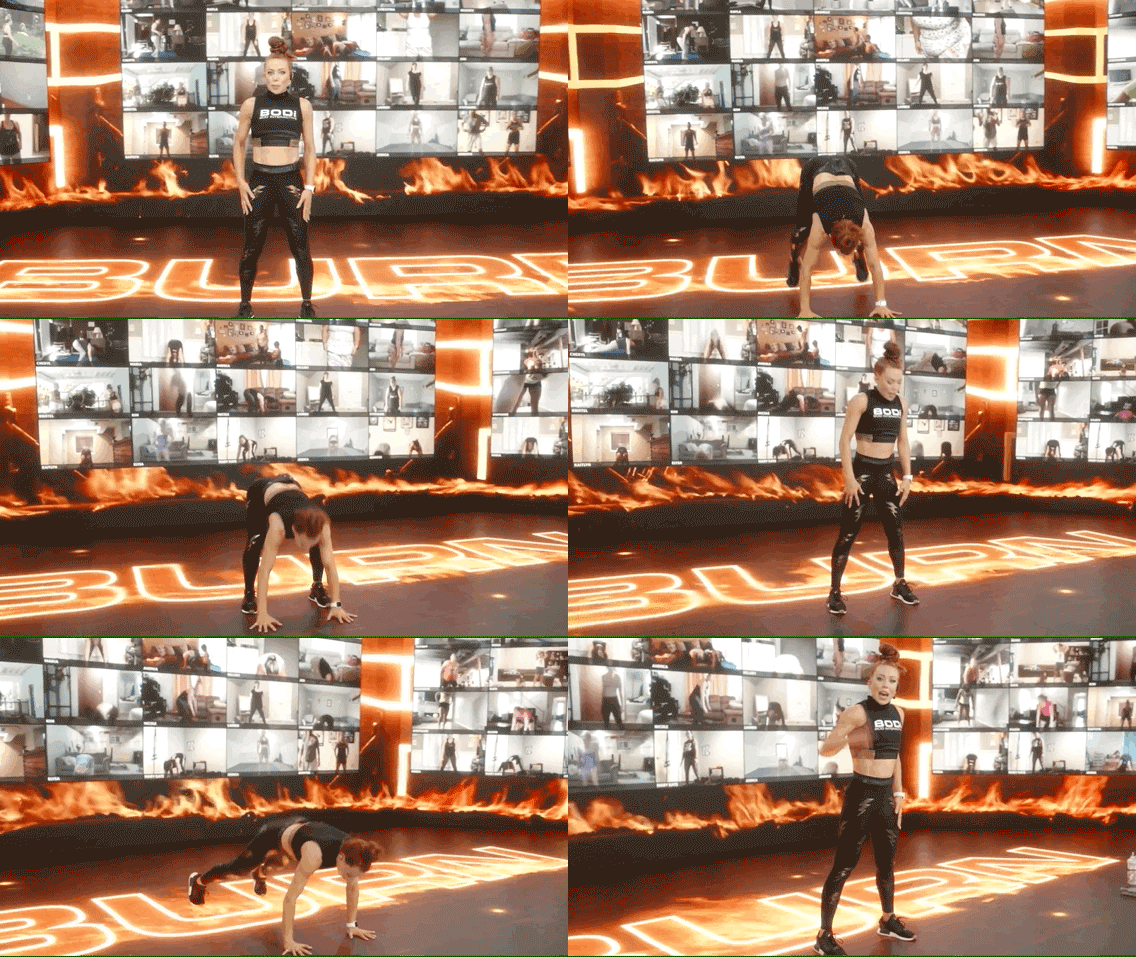
BODcast is a new feature that lets BODi members not only join workouts in real time but also share the big screen with our Beachbody trainers. Members become part of the live workout experience, get real-time shout-outs, and stay engaged and motivated throughout class.
BODcast is accessible through the BOD app on mobile devices (iOS and Android) and on desktop or laptop with a built-in camera or webcam.
Discovery
Problems
Users should have the ability to stream their own video into a class as a BODcast member.
Beachbody as a business needs to support a live class streaming experience that drives interactive engagement for BODcast members, creating the feeling of a community during an in-person class.
Solution
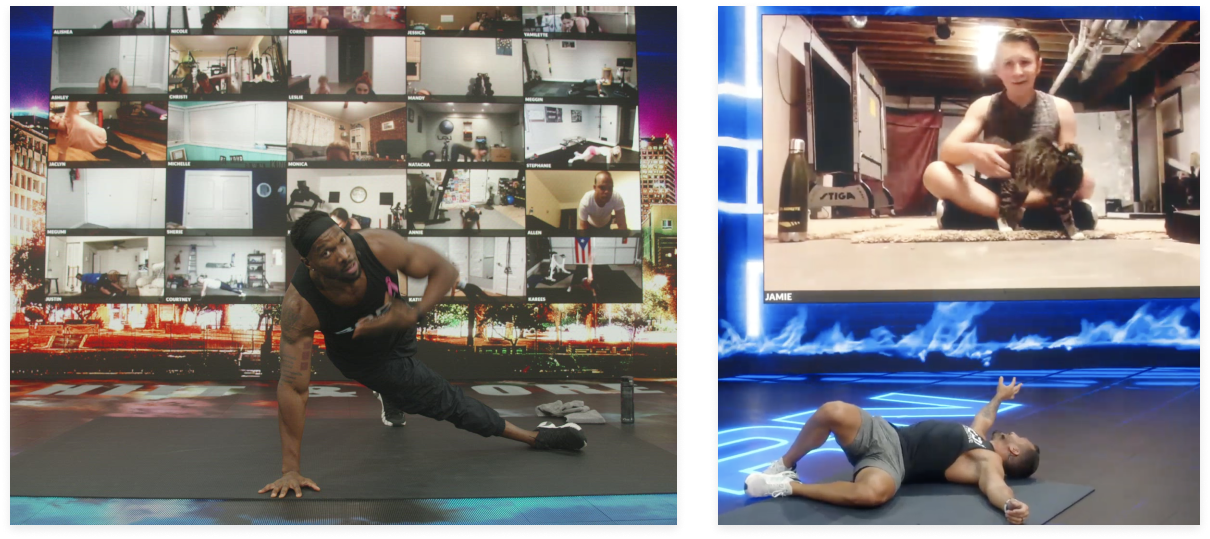
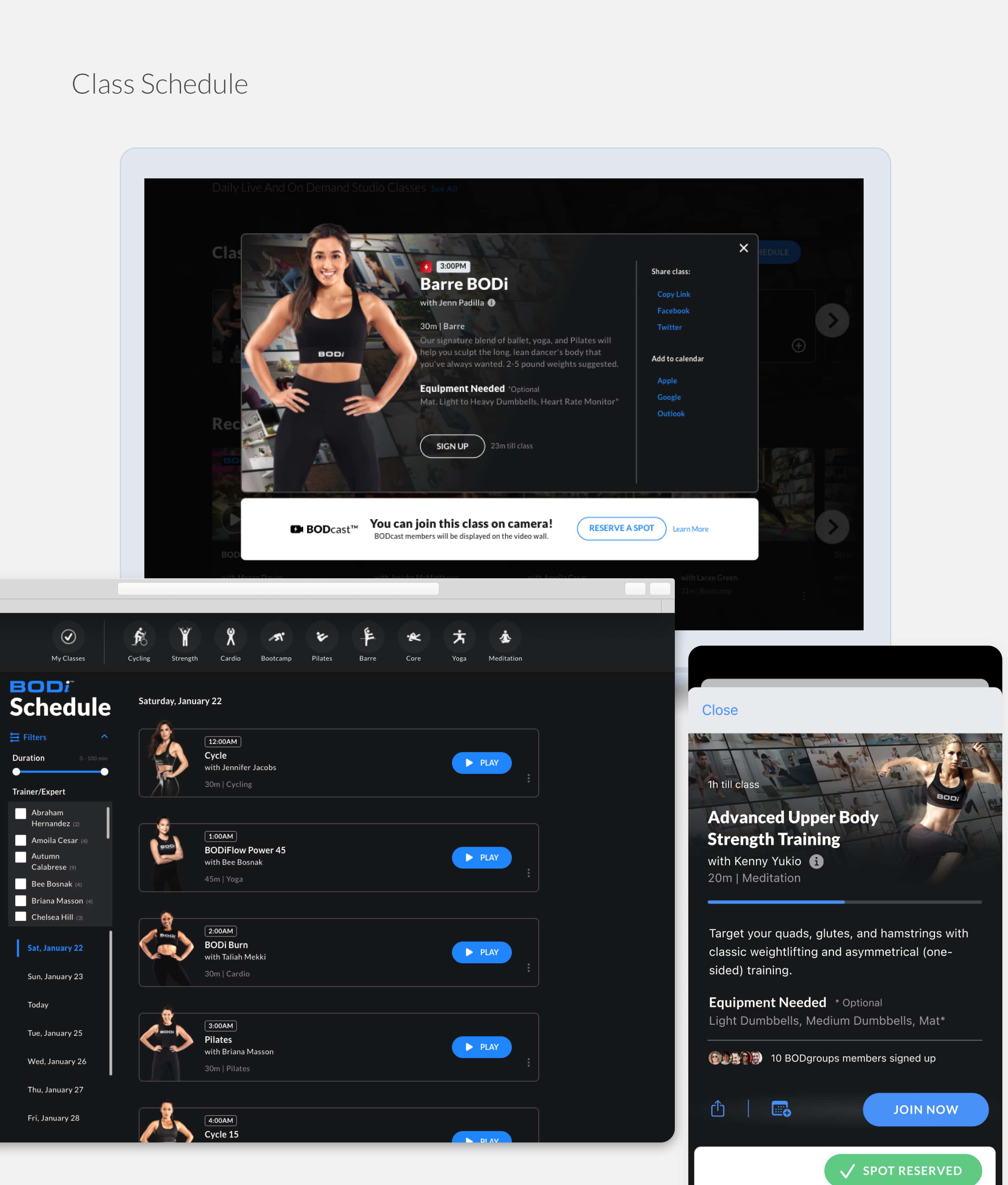
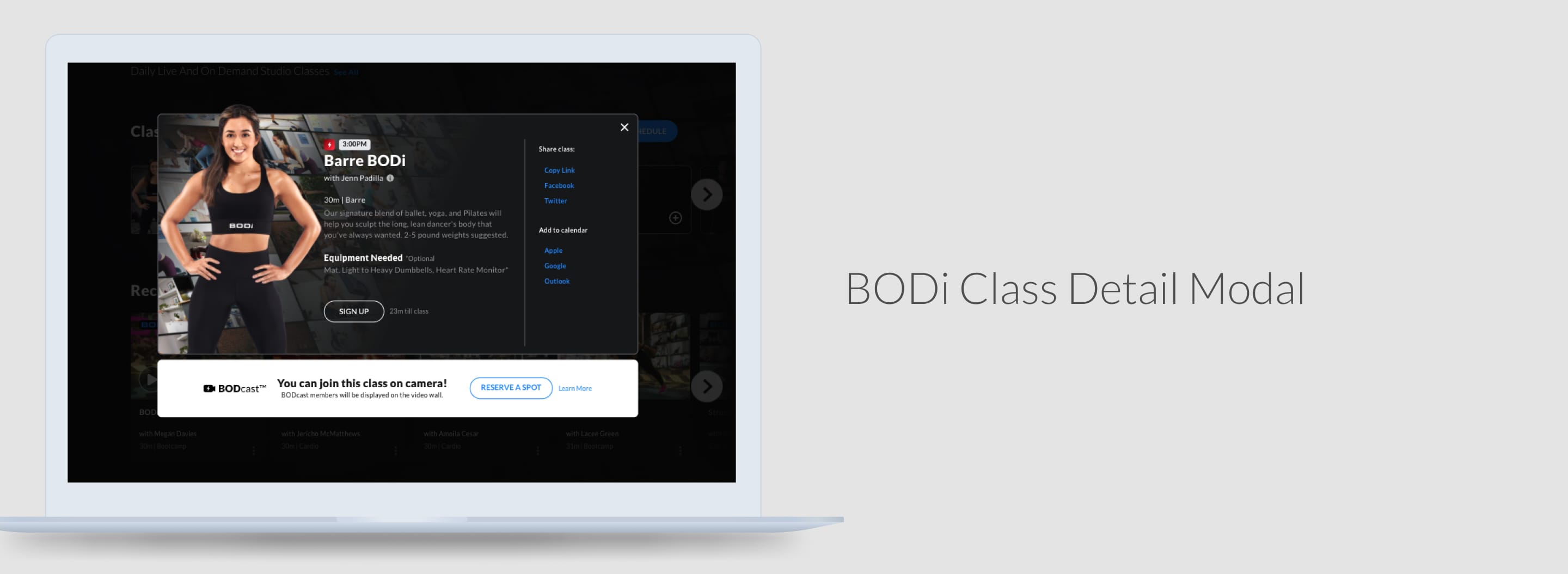
Users get special BODcast features when attending a class. We use a BODcast member\'s personal streaming tile to build engagement and community through a dynamic video wall, spotlight features, and trainer shout-outs and encouragements.
Goals
Users feel engaged and excited to attend class.
Members continue to register for classes.
Total participants increase for future classes.
Competitive Landscape
Landscape
We quickly realized that live workout and self-streaming was a fairly new experience on the market. There were live-streamed fitness products and live conferencing tools, but very few that combined both in the way we needed.
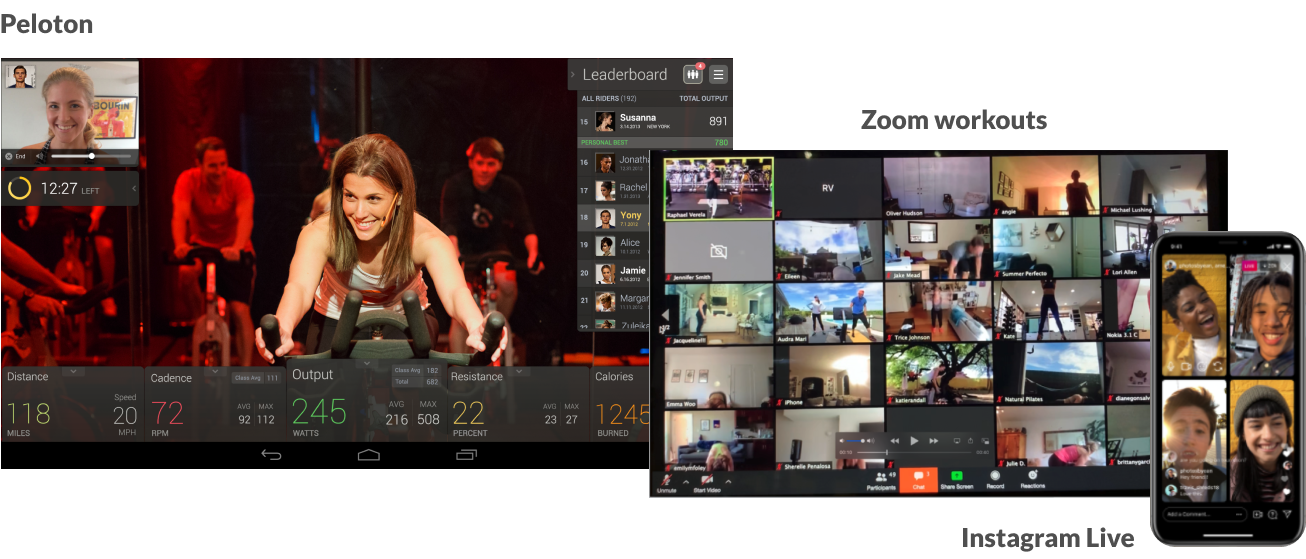
Peloton, Zoom group workouts, and Instagram Live offered pieces of the experience but not the full live + community combination.
Product Flow
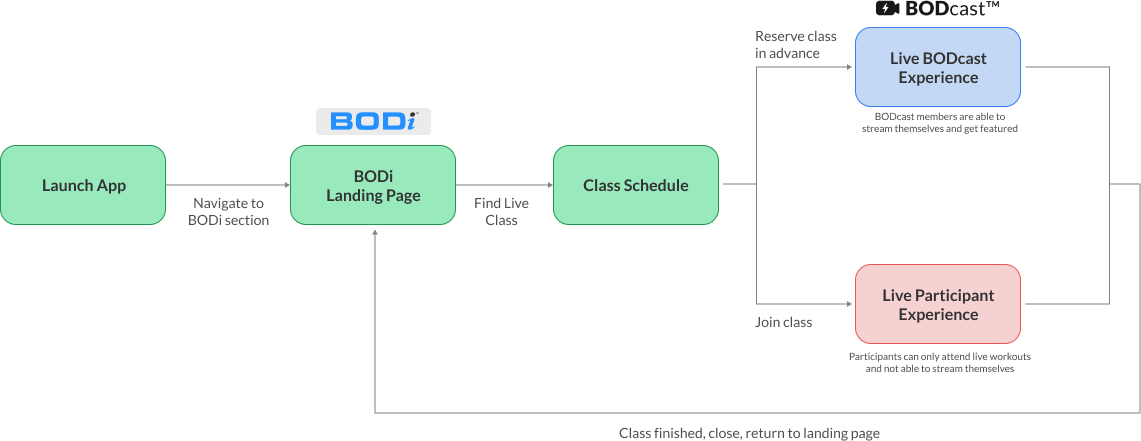
I mapped the BODcast experience across the full journey: discover, sign in, browse classes, join a live class, participate as a BODcast member, and review post-class.
Process
Internal Research
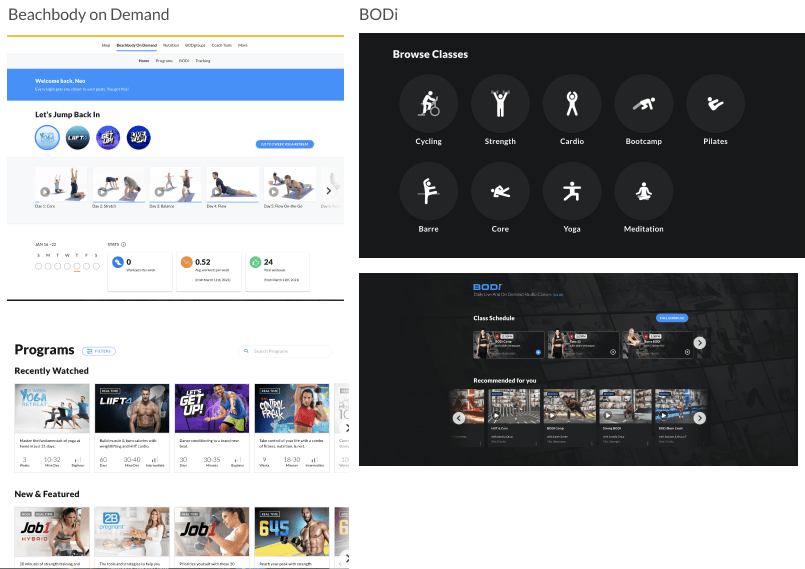
The BODcast visual identity is based on BODi branding, a new visual language that\'s separate from BeachBody branding.
The goal was to follow the new BODi branding, which is dark/black-leaning, while still keeping the integrity and functionality of BeachBody on Demand.
We incorporated elements from the existing design system and created new ones on a need-to-need basis for this product: icons, modality, typography, colors, and more.
External (Competitive) Research
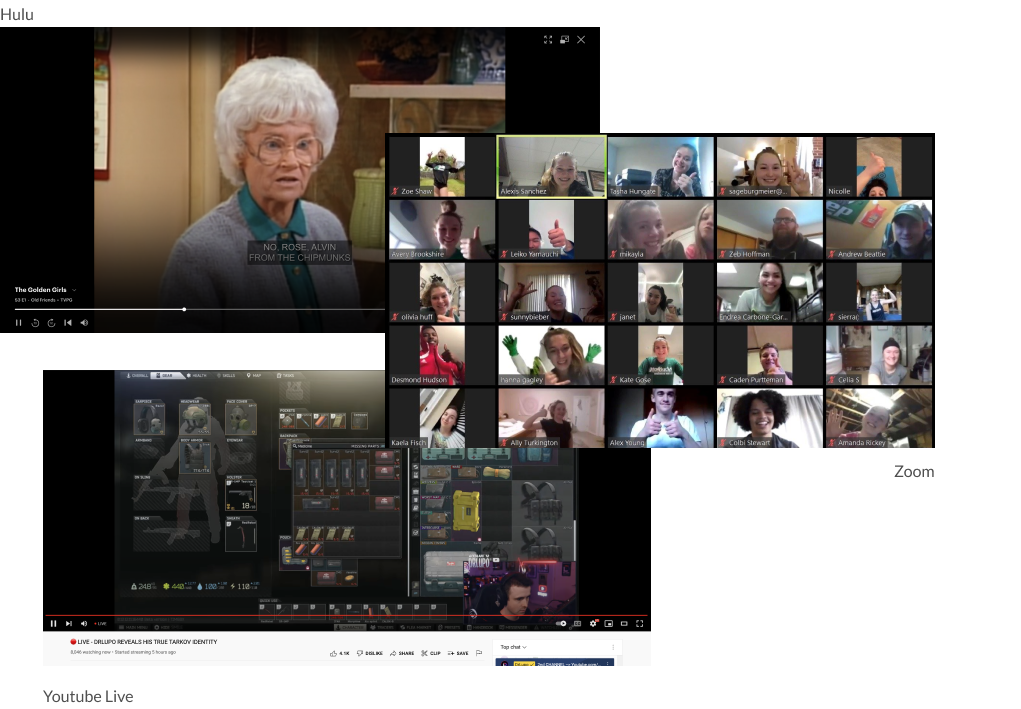
I looked at other video streaming and live streaming products on the market as well as live conference platforms.
The goal was to create a video player experience that felt familiar to users and shortened the learning curve.
References included Zoom, Disney+, Skype, Netflix, YouTube Live, Peloton, Nike Training Club, and Hulu.
Wireframe
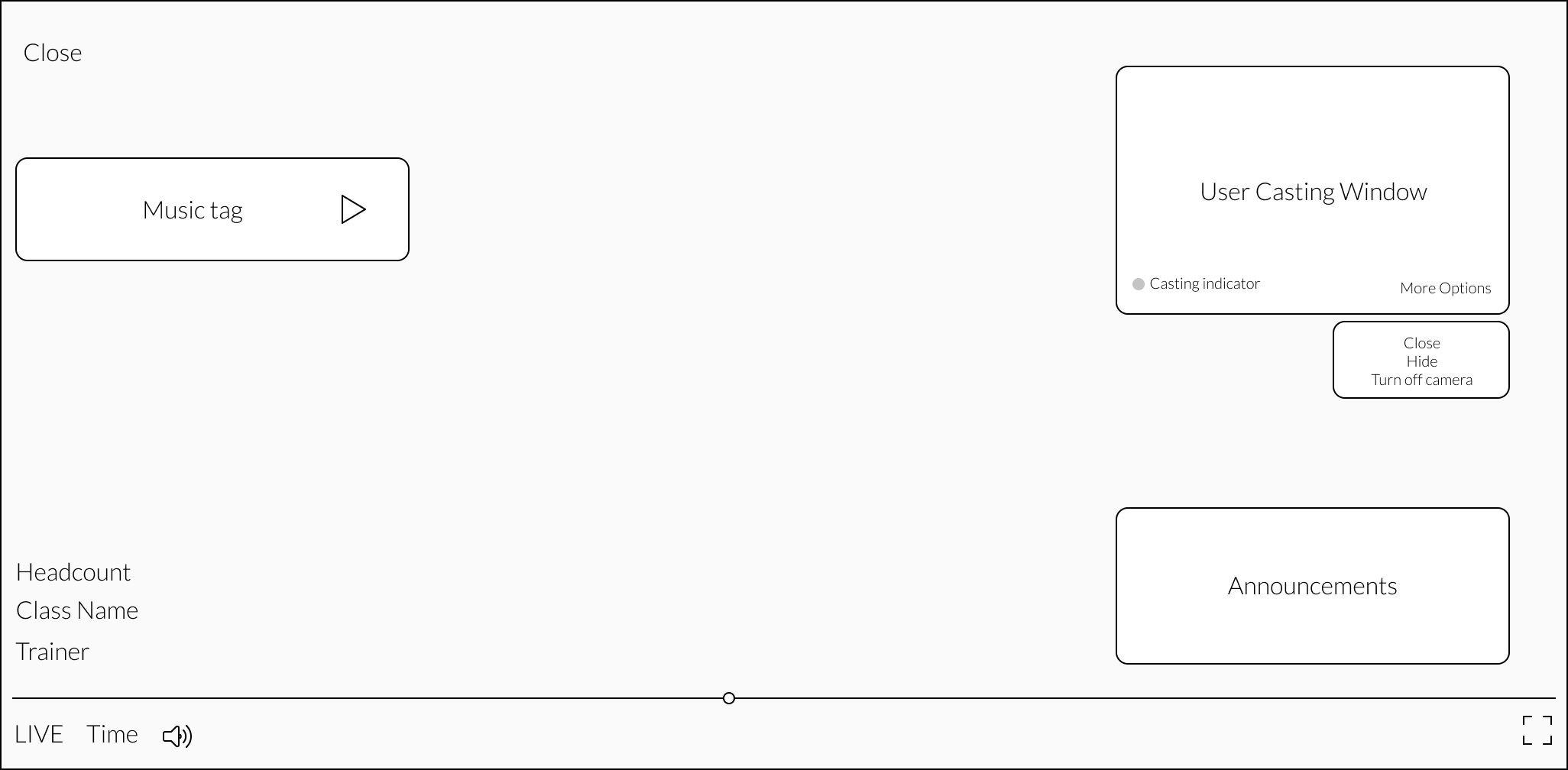
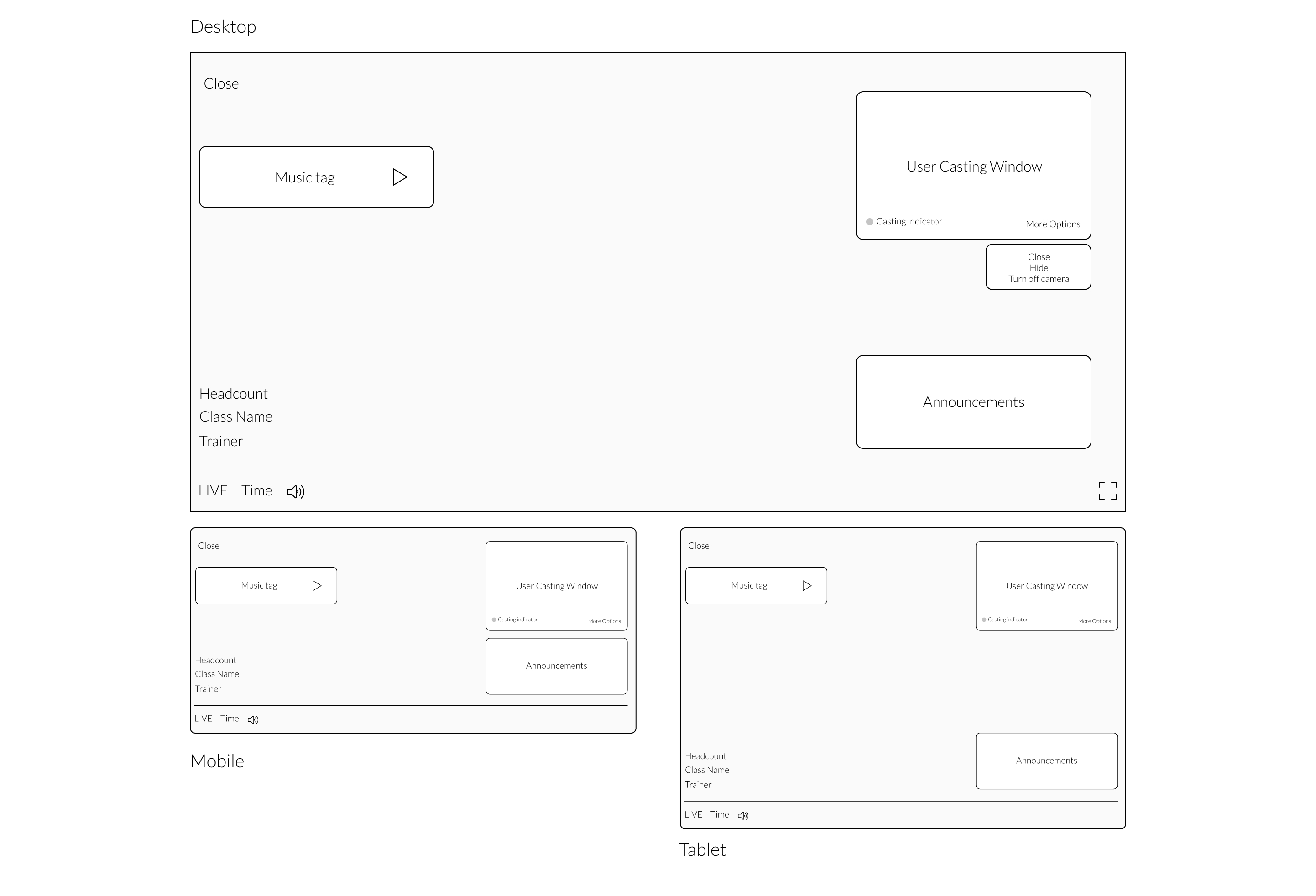
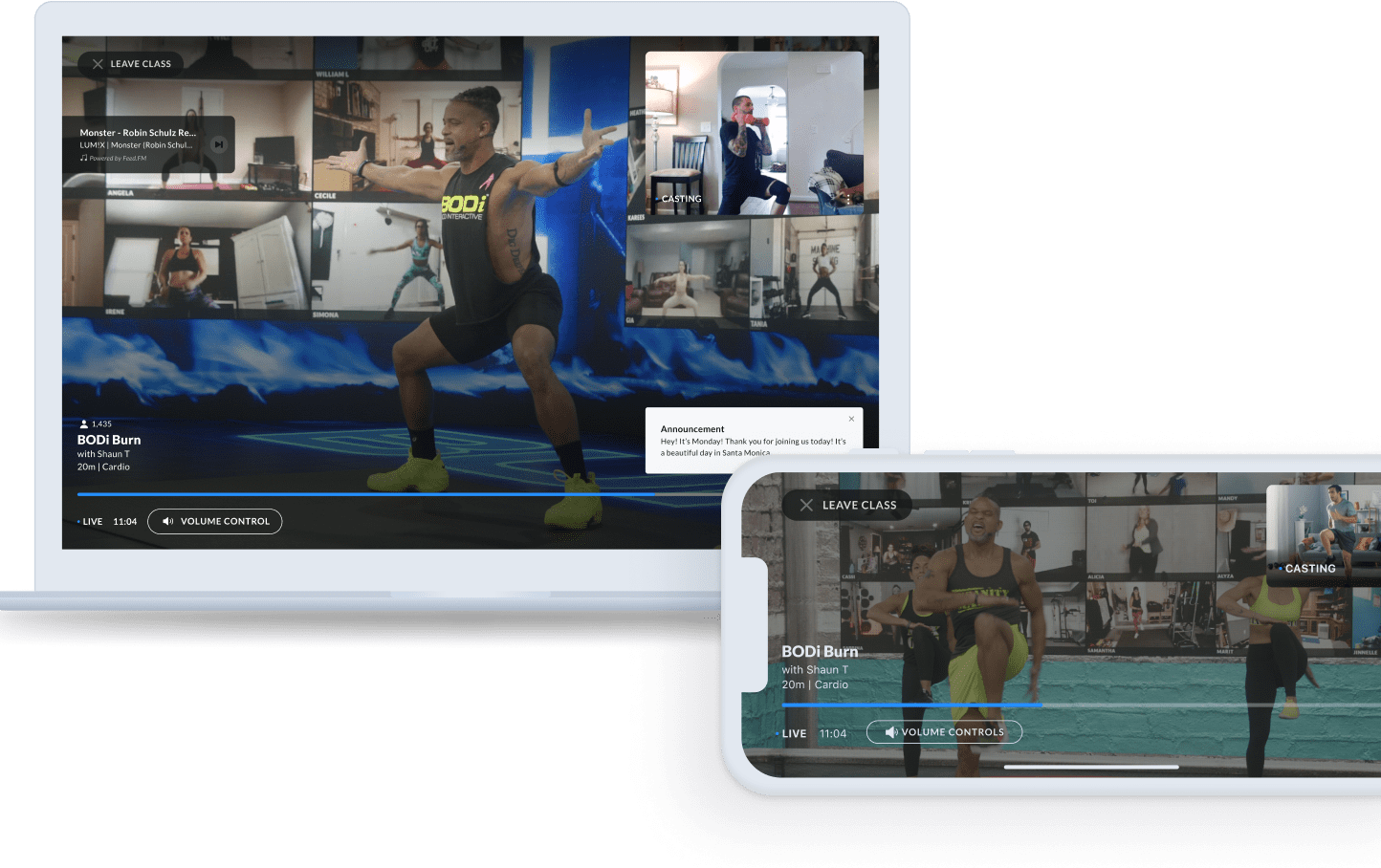
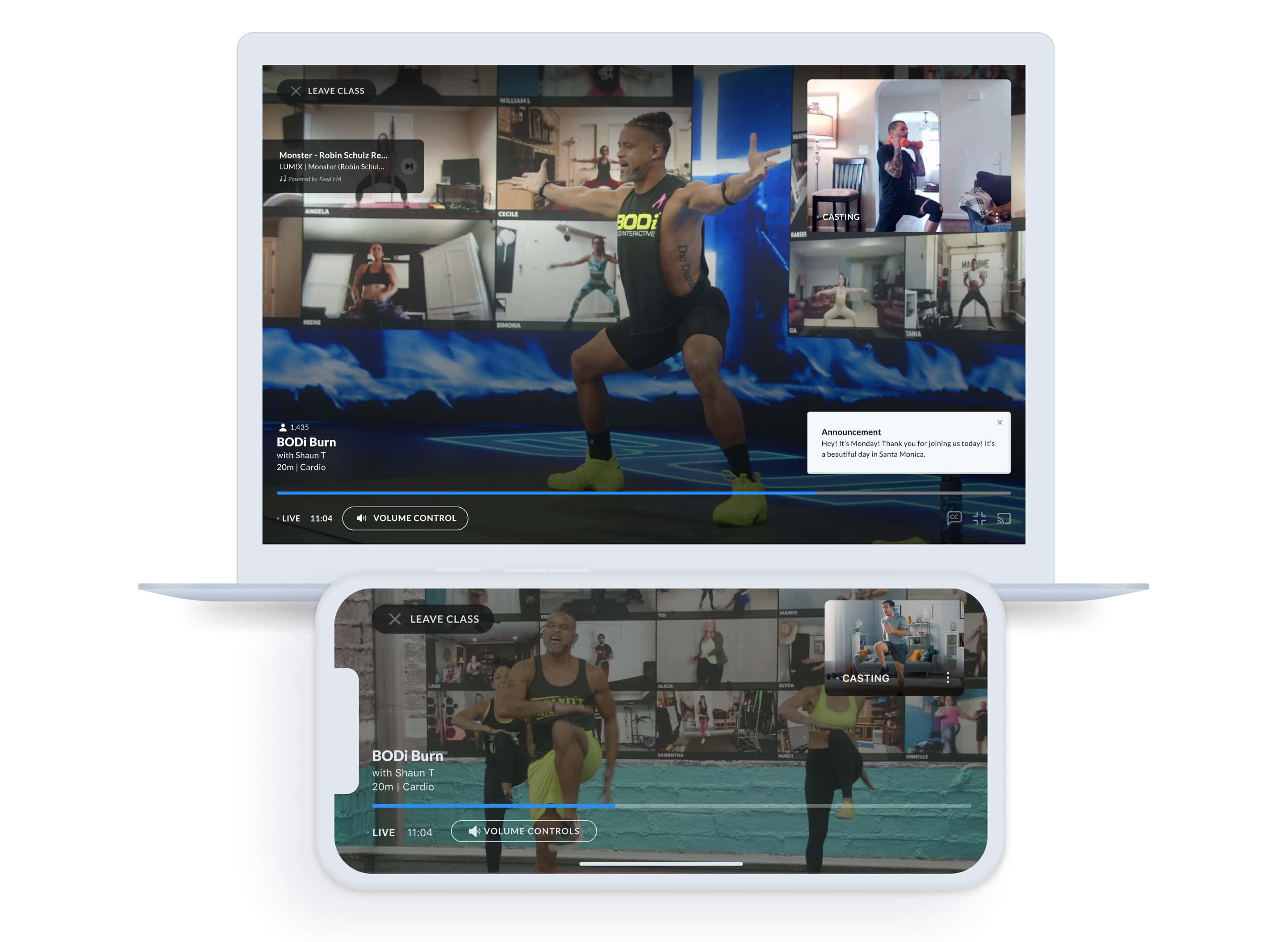
Wireframes established the structural anatomy of the BODcast video player, the studio video wall, and the participant tile system across all three screen sizes.
Final Screens
High-fidelity screens for desktop, iOS, and Android, applying the BODi visual identity to the BODcast experience while preserving BOD\'s underlying patterns.
BODcast Prerequisites
Problems
Users are not close to the device during a workout.
Users need to be able to check their form and follow the trainer.
Consistent feedback aspect ratio is needed when streaming back to the studio for the feature.
Solutions
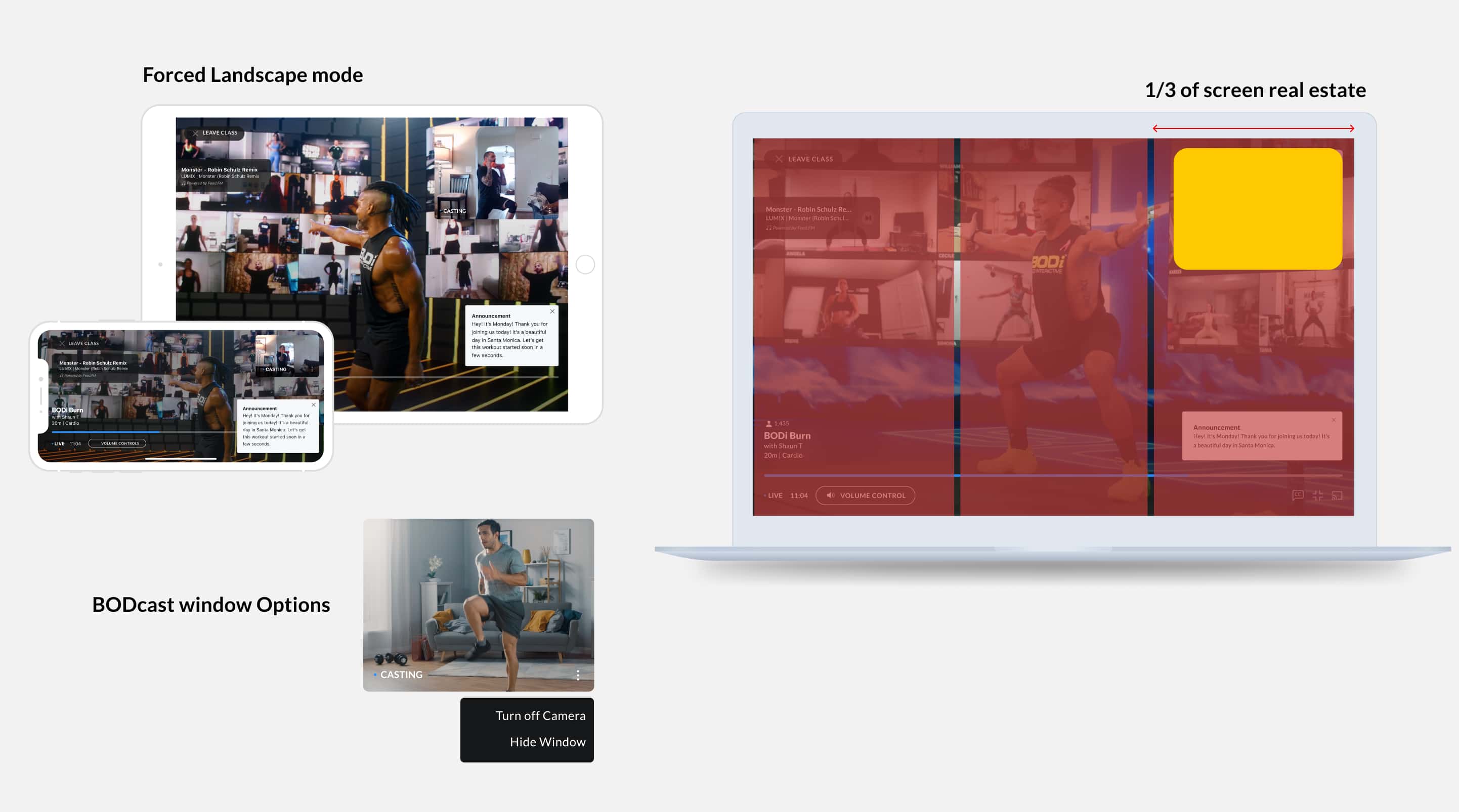
The app on mobile devices is forced to landscape to ensure a consistent aspect ratio for the video feed to the studio.
The BODcast window is sized to roughly 1/3 of the screen, so users can check their form and follow instructions from the trainer.
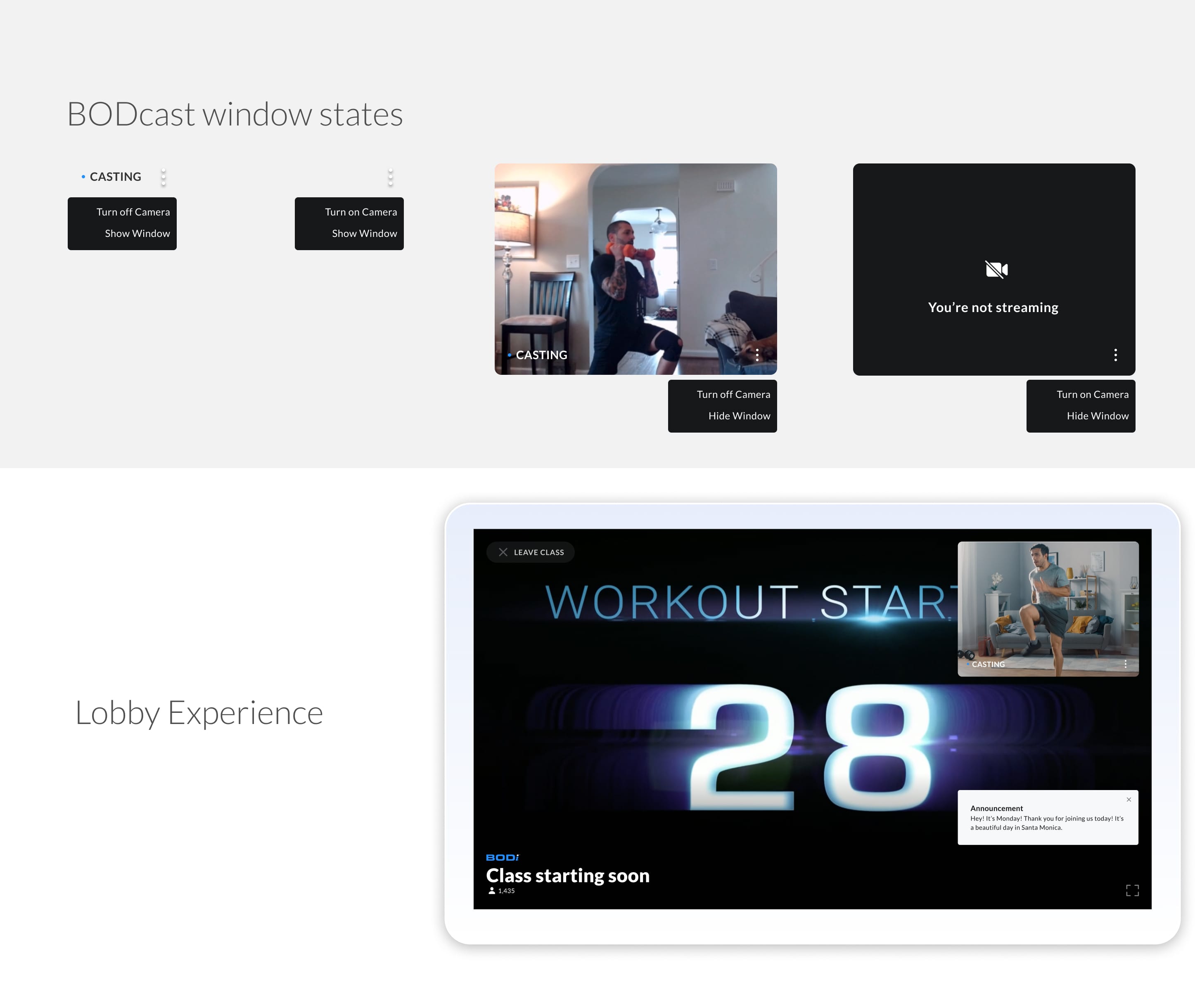
Users can hide the BODcast window or turn off the camera.
Future states would include the ability to resize the BODcast window into preset sizes: side-by-side, small, and big.
App Store
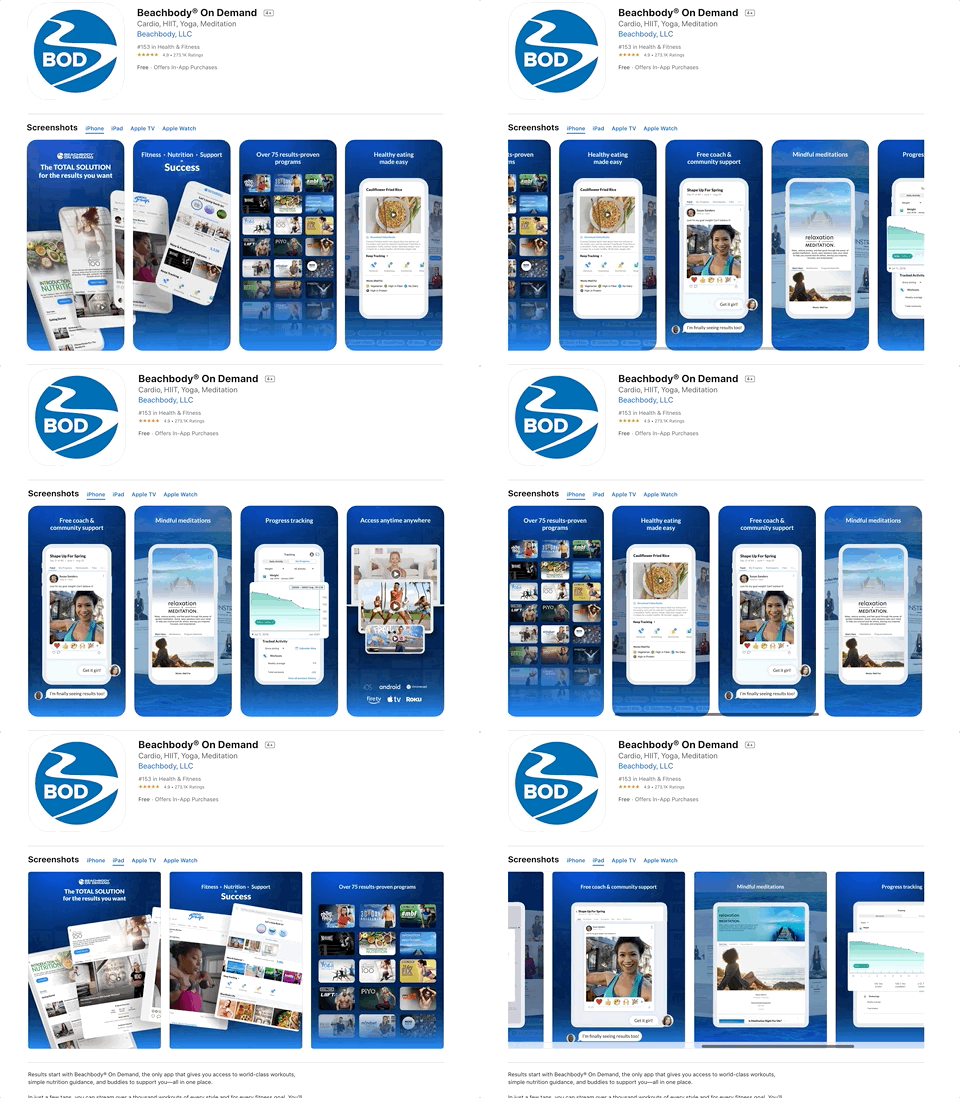
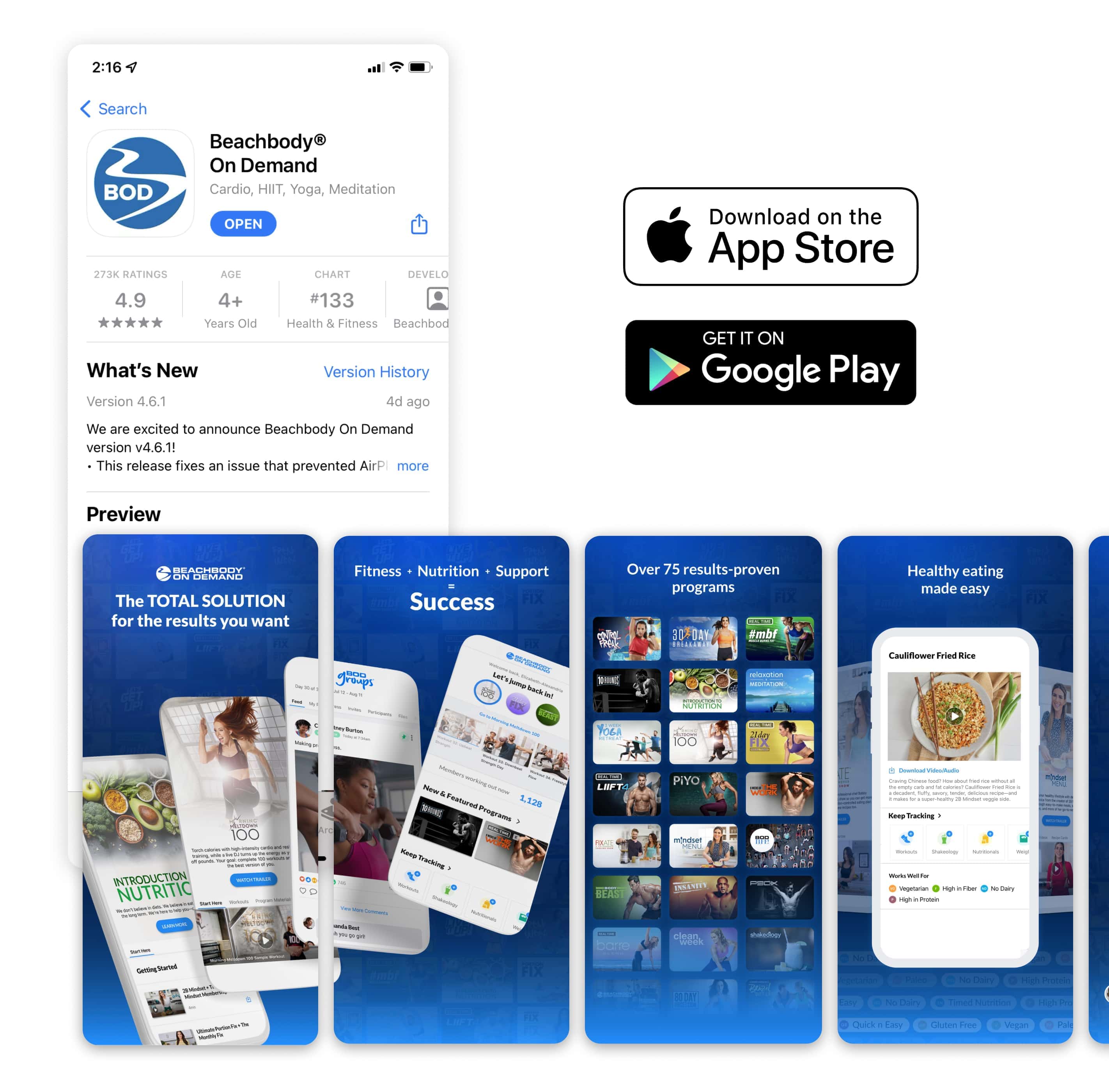
App Store / Google Play Preview
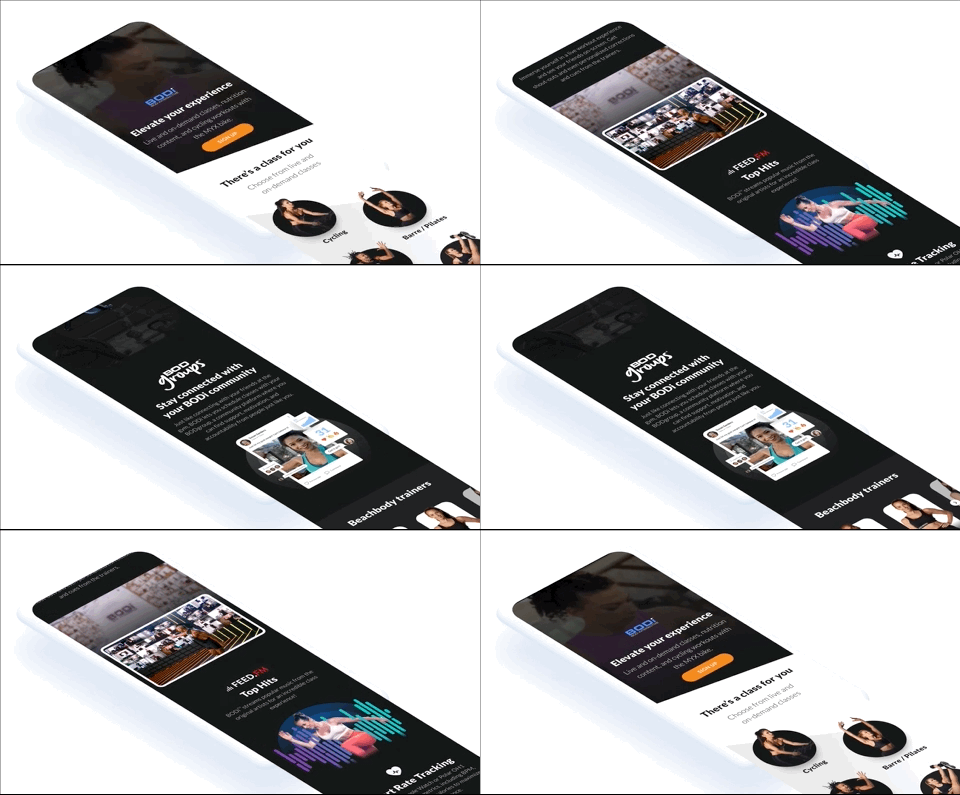
Marketing preview screens designed for the App Store and Google Play listings, capturing the new BODcast experience in the visual style of BODi.
BODi Sell Page
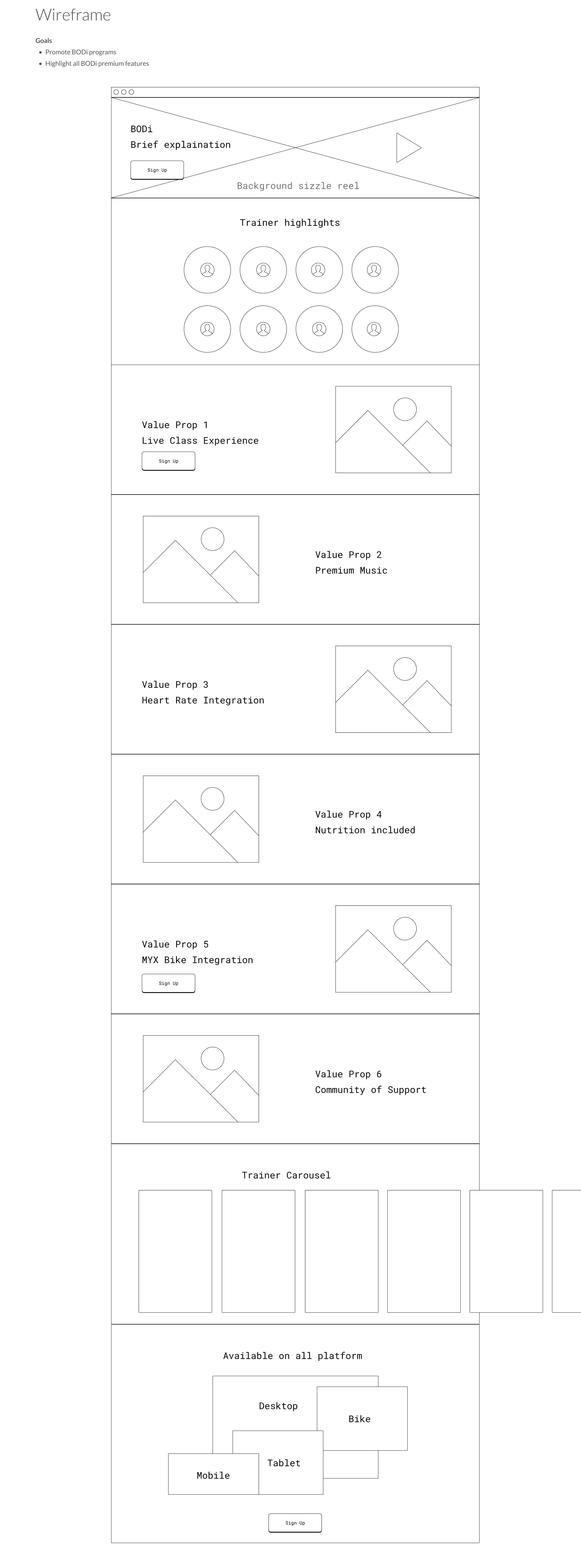
BODi Marketing Sell Page
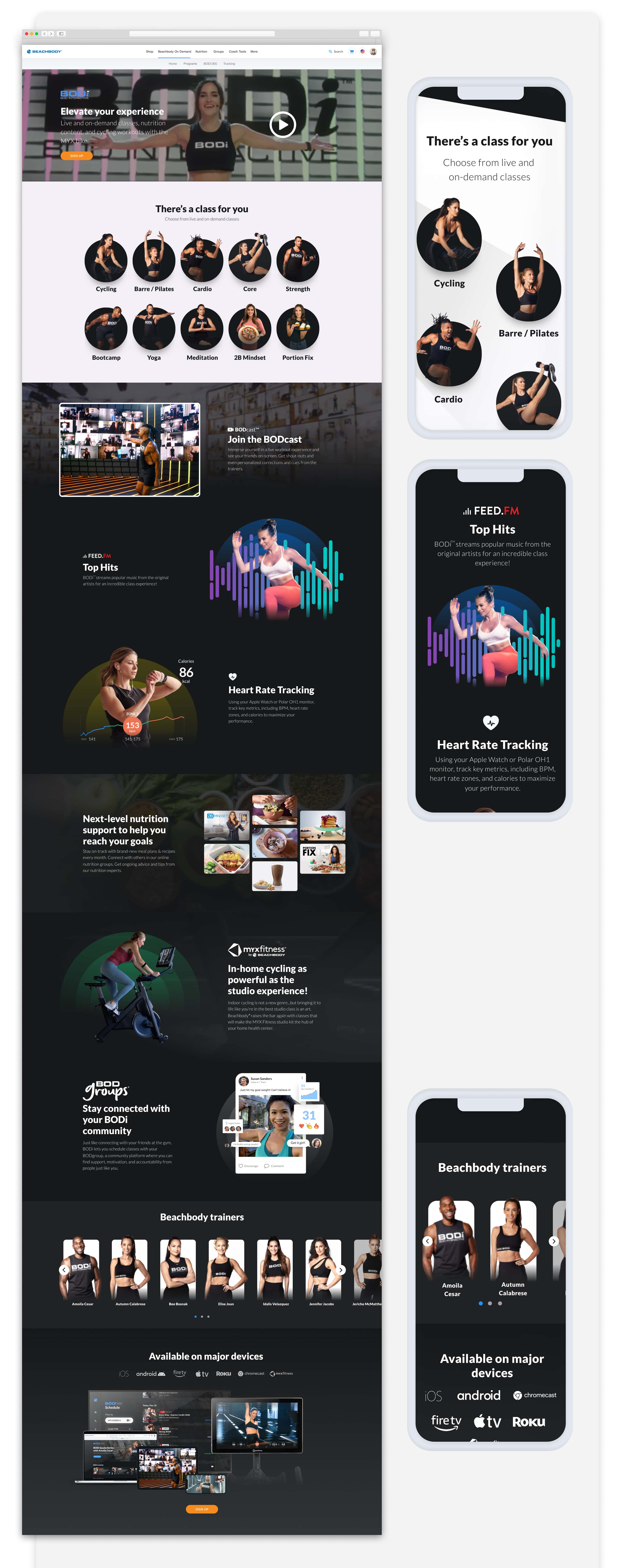
A new marketing sell page that positions BODi to existing BOD members and prospects, anchored on the BODcast experience as a flagship feature.
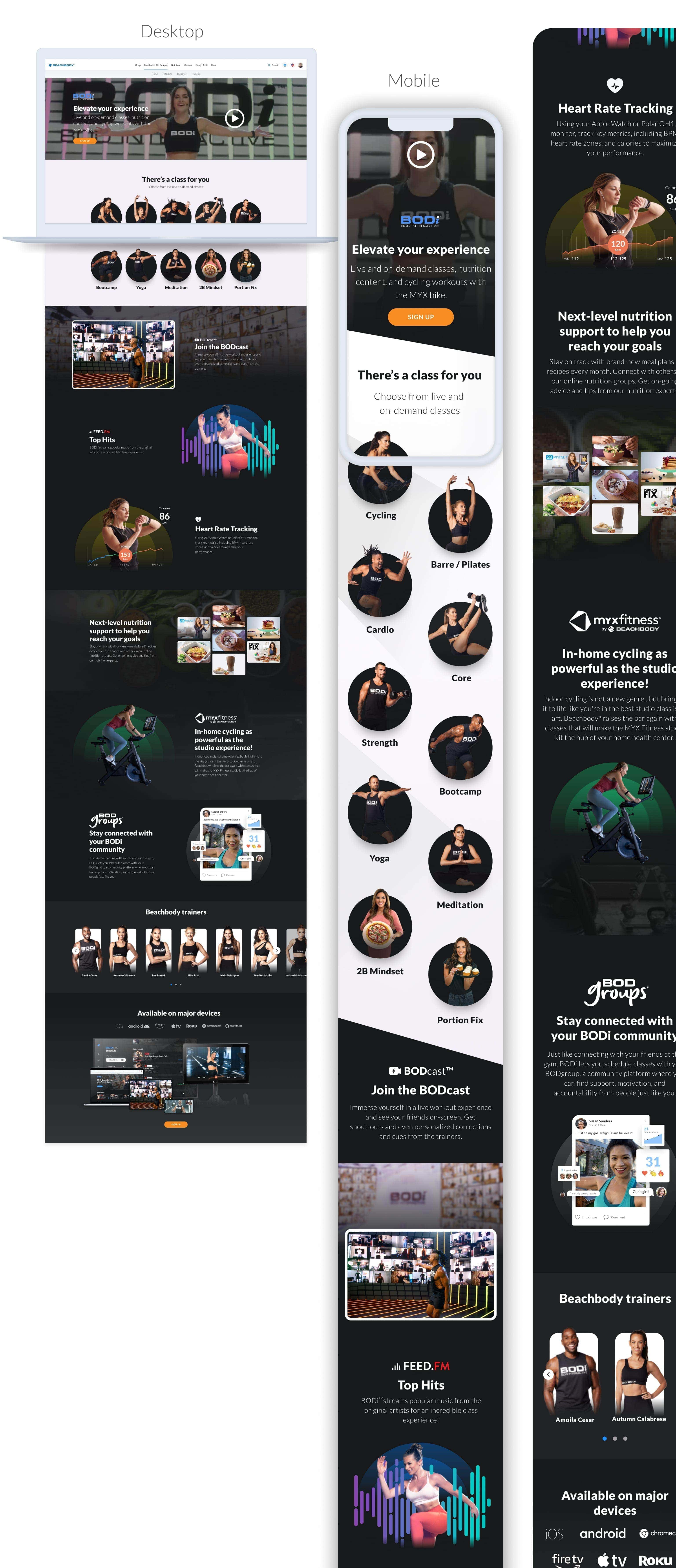
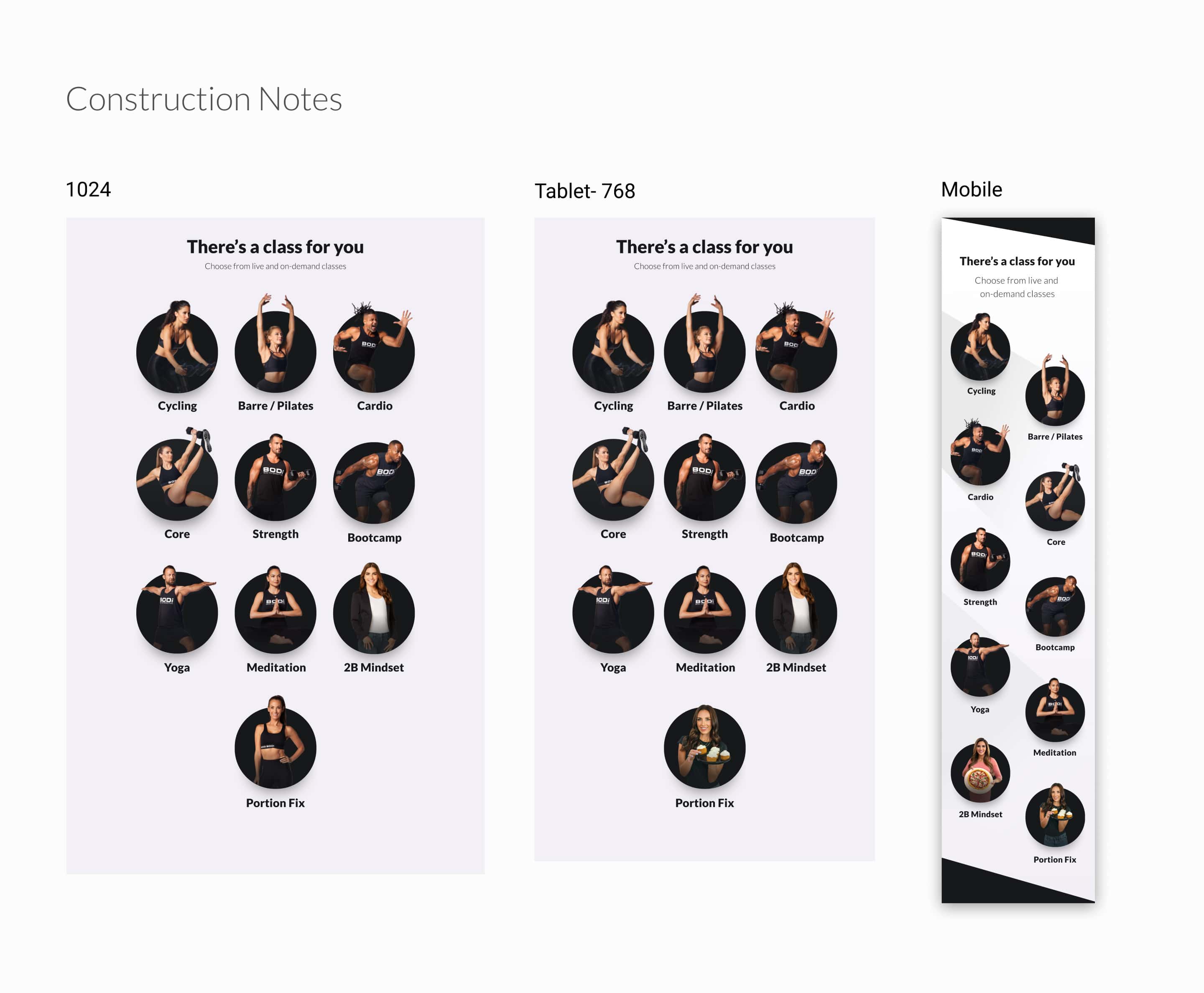
Construction notes across desktop (1024), tablet (768), and mobile breakpoints.